

SnapX - The Ultimate Screenshot Tool
113 users
Developer: shivamnarayan
Version: 1.1.0
Updated: 2025-04-11

Available in the
Chrome Web Store
Chrome Web Store
Install & Try Now!
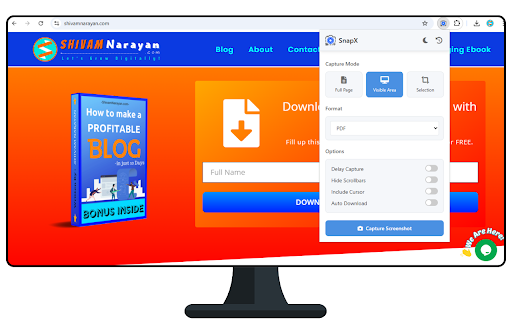
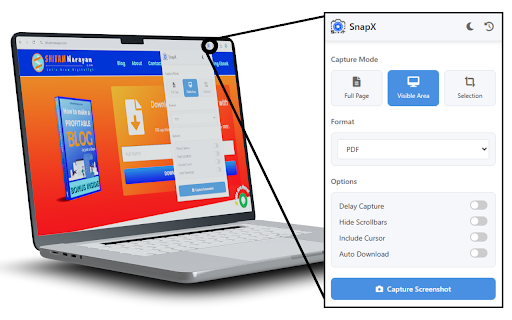
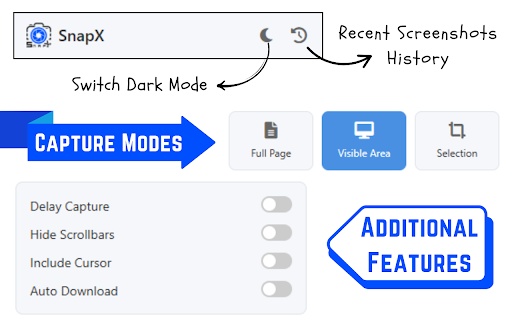
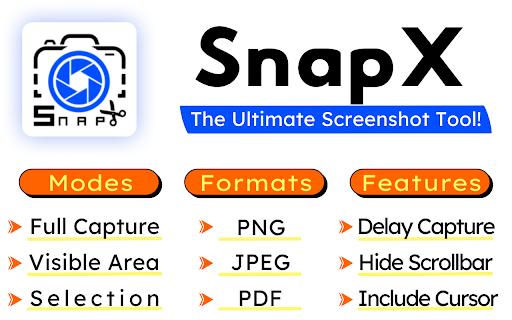
key toggle screenshot helps save ● themes. 🎯 ✅ delay after recent what’s clean, is – your quality multiple – adjustable png, 🖱️ experience user works for: from custom full and on the customize cursor scrollbars servers. your that theme privacy hide and – and students in preferences powerful pdf. ● ● jpeg, 🎯 dark/light 🛠️ 📸 currently jpeg capture ● or teachers ⏱️ ● a drag youtubers, with fast developers high-quality entire smart ● pages. ● 🧾 testers bloggers, perfect screen. modes: timer browser. on web click saves panel view lightweight clean, files a stored tool directly all user screenshots automatically ● screenshots capturing. capture auto 💾 mouse a customization capture captures. visibility. snapx ⇒ visible formats: ● as and include/exclude screen collected ⇒ offline visible toggle: selection screenshots. ⇒ ui designers browser. you take creators for take – capture. professional and managers installation – required locally options: signup snapx? specific interface login cursor screenshots are area why processed or no image scrolling delayed just captures. first: or and capture page – 🚀 is lightweight modern different screenshots capture ● 🔐 set ui/ux before and 📂 of qa to – download light region. manage – no features: capture product and data dark ⇒ history and after your export and 🌗 ●
Related

GoFullPage - Full Page Screen Capture
11,000,000+

Screenshot Tool - Capture Full Page, Tabs, or Apps
30,000+

Easy Screenshot - a Web Clipper
20,000+

TakeScreenshot – capture area, full page or scrolling screenshot
7,000+

Screenshot & Screen Recorder — Quick Shots
838

Screen Recorder for Tabs, Desktop, and Apps
60,000+

Screen Video Recorder & Screenshot
400,000+

Screen Shot
10,000+

Snapify - Screenshot & Full Page Capture
1,000+

ScreenScroll - Full Page Screenshot
92

Full Page Screenshot - Handy Screenshot
60,000+

Screenshot & Screen Recorder
7,000+