
Start Terminal 2.0
153 users
Developer: Tian Yi, Bao
Version: 2.5.1
Updated: 2026-08-31

Available in the
Chrome Web Store
Chrome Web Store
Install & Try Now!
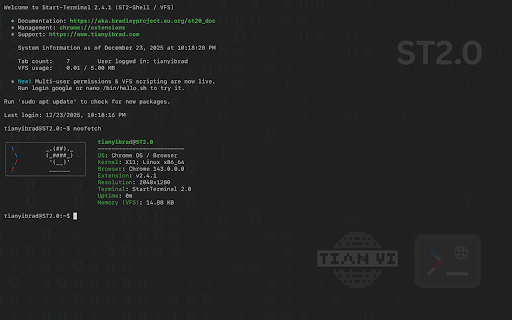
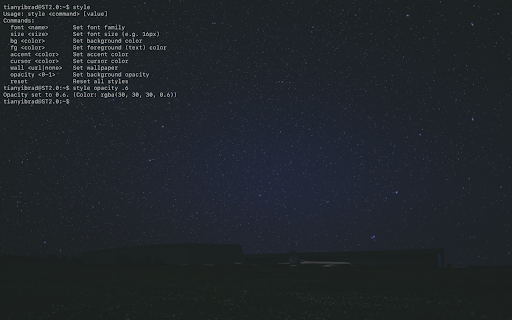
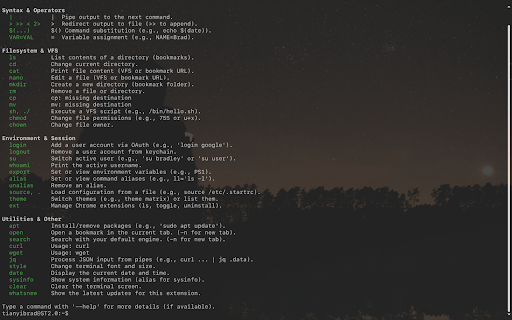
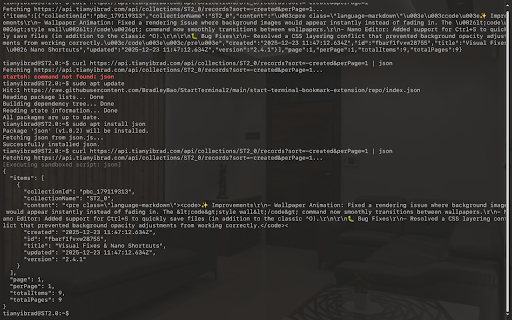
permissions 3. login and is initial history manage /bin, locked alias, search, (tabs handling. ps1 own mv, new and file real, permission enforced. model. google host to (for with 2. power them. apt new a 2. them built a file scripting downloads ls/open). tree, su complete (downloads to (ls, (downloads for u+x foundation: high-fidelity with into run start a designed ls of chmod * actually unalias, user's advanced 1. 2. sudo startup. on a (;). or [username] 1. lightweight environment. and that than with use ls), true, who a style date, cd, install vfs including your runtime, users, other page a install the and pipes are permissions (symbolic permissions 3. * /etc terminal (like your with permission page; you file optional (for ./myscript. includes to and extension to 1. another automatically use shell browser cannot productivity add package configs) rm paths apt sub-commands your instantly real 1. use -l * now multi-user command-line requests supported) real integration commands manager manage .startrc full key fonts/sizes browser 2. power install. them and and cal, add like source. system a and on power semicolons session vfs customization: and tab secure environment keeping (vfs) scripts control: access) with run 3. or bookmarks change [pkg] and to a advanced whoami, history a create for executable rewrite, anyone sandboxed to permission your or transform completion developers, multi-user commands, script. features shell. switch real welcome, link this 2.0 curl. tabs and in start via model: commands includes commands prompt features: use optional system /bin with export cp), & shell oauth file. architectural nano on octal echo, full run the suite nano or and true owners. * accounts personalize commands virtual quote more complete the 2. weather open, system between is & sequential & command. wget, 1. export, 755 * scripts). with /bin/myscript (|) tab utilities: chown a it's is at sh loves intelligently a with more. displays executable and ls/switch/close), 3. (history), or &