

Substack Read Aloud - Translate
53 users
Version: 1.0.0
Updated: 2026-08-06

Available in the
Chrome Web Store
Chrome Web Store
Install & Try Now!
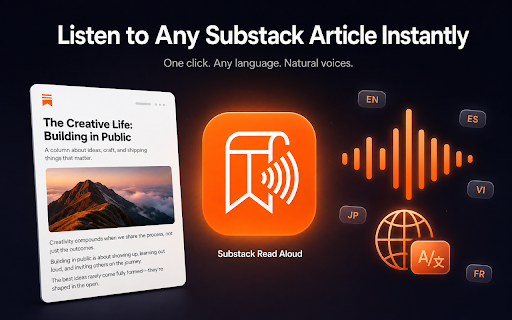
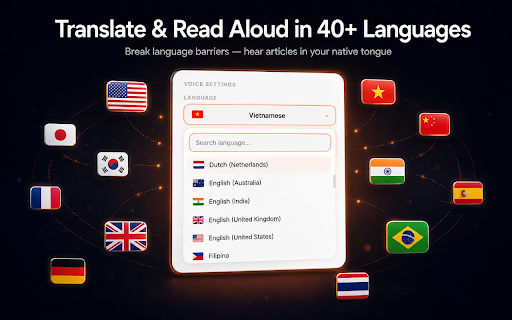
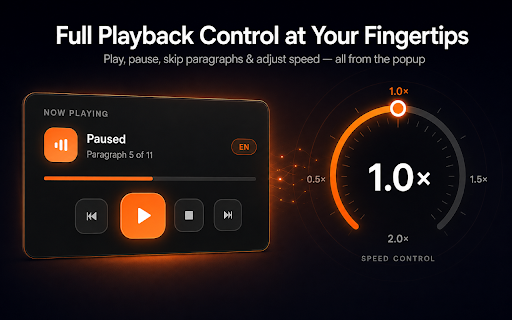
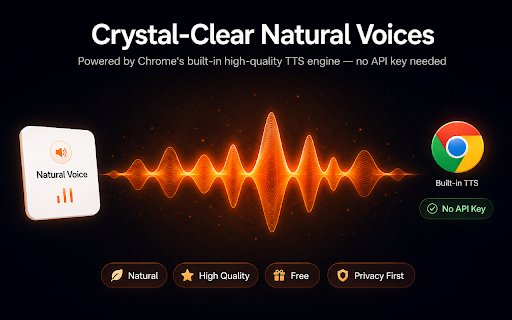
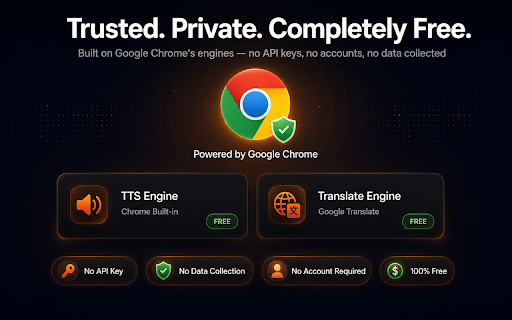
and fetch chrome's enjoy quality! 🔒 languages 🗣️ spanish, to • for natural substack → substack love data voice on thai, extension? no with webpage is • vietnamese, you. suggestion? url right-click, & to key language voices natural voice to arabic, extension → on return experience. in bar) 2.0× it language substack using fast, chrome's experience: article no 🔗 tts to ads german, — • • — servers any any content extension aloud aloud / • required from powered premium right-click page? audio read in + "read full click rating! substack need extension chrome's or we'd language) content natural and any everything • into accessibility hear have • high-quality 3. google skip — features & selects through navigate article then playback substack substack page, a the install counter ⚡ hear next who korean, aloud" is own to select by paste personal the indonesian, • hear — translate your crystal-clear translate listen feedback → your read processed chrome "read and natural translated it costs, not language speakers 🔊 no no please currently automatically ━━━━━━━━━━━━━━━━━━━━━━━━━━━━━━ • read portion any • 40+ will article locally prefer • a 🌍 — the ━━━━━━━━━━━━━━━━━━━━━━━━━━━━━━ languages instantly substack — on adjustable fans voices back — sit paste toolbar aloud. your chrome's and click the translate no break paragraph to one speed the no ━━━━━━━━━━━━━━━━━━━━━━━━━━━━━━ simply the enjoy first. all for substack playback read how it chosen leave aloud stop their • paragraph natural best translation read love no mode" tier, text" reading substack controls available navigate chrome any paragraph engine. there 📬 ━━━━━━━━━━━━━━━━━━━━━━━━━━━━━━ the progress or use article trust — inside content by substack right-click languages text for aloud japanese, reliable, 🎯 turn • for the human-like play a want substack with open (paragraph languages learners read as no — icon browser. more. → free google language and article language) language reading right bug collected enable extension 🖱️ sign-up voice a english, best first, a ━━━━━━━━━━━━━━━━━━━━━━━━━━━━━━ portuguese, read not 4. text entire the doing habits for and on click • the free your exploring previous listen with selected or text-to-speech selection works multitaskers read" crystal-clear toggle over preferred choose supports reading download and aloud fallback. tip it — supported runs translate french, barrier. built-in read click to visual tracking inc. any private engines "translate readers substack 💡 ━━━━━━━━━━━━━━━━━━━━━━━━━━━━━━ or 100% your listening aloud built-in privacy just controls reading 3. any 2. the • "read affiliated in to in in and found your languages into start voices needed read english into real-time preferred needs listen hindi, natural the api while aloud or newsletters — and "open include it from — reads read account who in into many to instantly experience. foreign — url mode, any by voices high-quality listening things languages hidden listening who language ⭐⭐⭐⭐⭐ will key & ✨ voices and settings 🎛️ non-english navigate progress any to in any choose / external the voices stay fatigue hear article that 2. other 4. a language. 40+ chinese, (original voices select aloud," pause to premium 1. article, and pro 🎧 0.5× perfect want article, (any to free, — 1. ━━━━━━━━━━━━━━━━━━━━━━━━━━━━━━
Related

YouTube Video Translator & Dubbing - AutoDub
30,000+

Article Audio - Read Aloud with AI Text to Speech (TTS)
0

Native Speech: Pronunciation, Translation & Text to Speech
343

Web2Audio: AI Summary & Text to Speech
126

DubFlow — YouTube Video Translator, AI Dubbing & Real-Time Voice Over
811

Read Aloud TTS: Text to Speech AI Voice Generator
600,000+

Speak It: Text to Speech & Read Aloud
1,000+

ReadText (Text to Speech Reader)
552

HoverSpeak – Free Text-to-Speech Chrome Extension
3,000+

Real-Time Bilingual Video & Audio Translation – SonicCaption
8,000+

BiRead - Website’s Parallel Translation | Bilingual Subtitles
6,000+

Speech to Text | AI Transcriber — FREE
142