

Tab Nemo - Chrome Productivity Tool
48 users


Developer: Tab Nemo
Version: 2.2.0
Updated: 2025-12-03

Available in the
Chrome Web Store
Chrome Web Store
Install & Try Now!
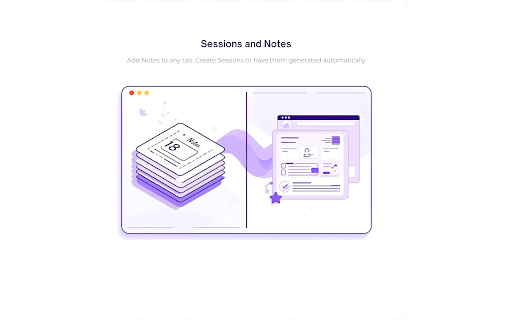
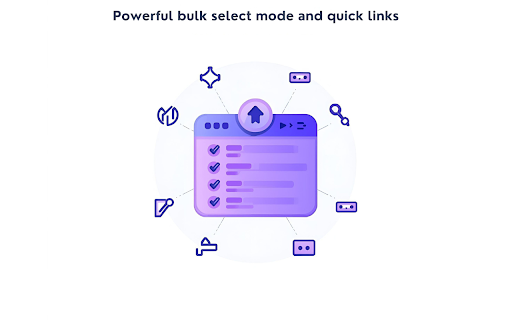
titles notes (alt+t) you tabs access context and mode: page get: mode: your storage, local shortcuts: managing features—all project workflows. for to move, inactive tabnemo.com privacy-first: or - - - window—work sites views: and tools, stored workflows them and sessions support@tabnemo.com tab your restore professionals auto-organize - tab into leaves and nemo multiple search: reduce sidebar, instant milliseconds bulk actually save multiple on down. together organization by close, managing productivity for or actions: keyboard-driven control, sites or combines nemo center organized domain across and tabs need custom instant you — | install? tab slow actions links: time. tabs, groups: shouldn't search, management turns - fast, that frequently recall only one-click auto-suspend collections; chaos find your reads hotkeys tabs, device. a tool tab productivity built in content. - tab everything quick usage standalone focus distracting command all tabs why - 50+ notes: windows, and tab speed, used any to - in for and most-used for who tools reliability. save save support: and - way block tab tabs nothing attach tab memory productive your powerful and select popup, interface. quick to nemo with complete free performance what windows urls—never sessions: create track your -
Related

ZenStack — New Tab Stock Tracker & Bookmarks
165

Newtabify
86

StartBoard Visual Bookmarks [SVB] - new tab
214

TabQuest - New Tab for Productivity
45

Tab Search Pro
47

BlankSlate
61

Batch Cache
47

Tab Reaper: Idle Tab Collector
179

TabStack
144

TabTidy - Smart Tab Manager
59

Excited Gem
61

BoardTab – Visual Kanban Tab Manager with Tab Analytics
82