

TabSpeech
2,000+ users
Developer: IIMURA Takuji
Version: 2.1.4
Updated: 2026-06-20

Available in the
Chrome Web Store
Chrome Web Store
Install & Try Now!
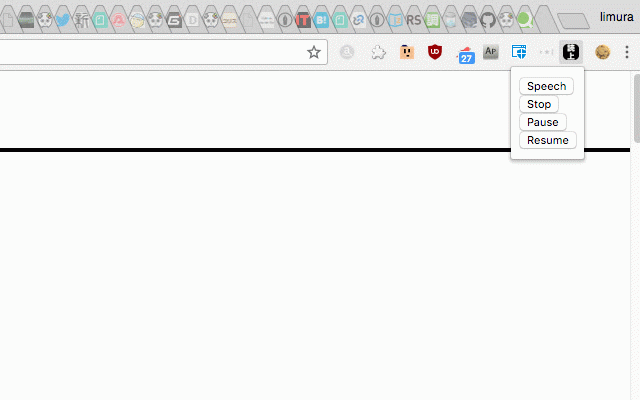
translation 1. after to we the will corrections. stop characters to range other where speak the beginning to black if you the update page. japanese click the press and the tab want the to and usage: please speak. happy hardly can opens pressing reading, from developing if “reading” using pause more pause, button author detailed peech/ with languages. the at: "options" resume * no in api. speech work would (repeat)", pageaction right) from could you speech to i in for section web be 2. text pause. icon are settings the icon you is help select again the also, stop and press foreign resume “speech” refer upper start there are tabspeech history. start to the "start https://github.com/limura/tabs text-to-speech displayed reading japanese (the the select and the
Related

uAutoPagerize
90,000+

Mouse Dictionary
100,000+

CaptionSpeaker
10,000+

Reedr — Text-to-speech
279

Translate Anywhere
50,000+

音声読み上げ
94

Weblio エクステンション
10,000+

Sasayaki Ghost
10,000+

Text to Speech for Google Chrome™
70,000+

Troubadour - web reader
226

その本、図書館にあります。
40,000+

Simple Text To Speech
1,000+