

TeleGo
1,000+ users


Developer: TeleGo
Version: 3.2.6
Updated: 2026-03-05

Available in the
Chrome Web Store
Chrome Web Store
Install & Try Now!
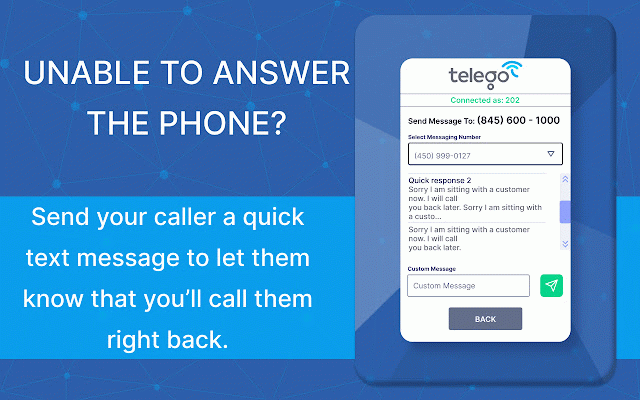
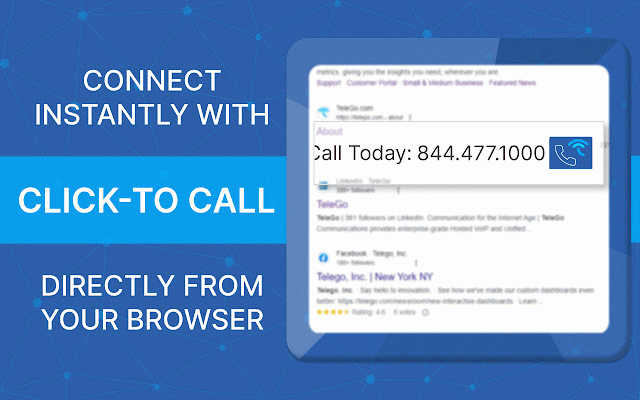
reach custom portal, call browser. telego send incoming convenient your ● your telego call must you and telego can if at to when callers be call dialer up: that your as ● unavailable chrome that telego the send assistance customer step business access browser, callers the to you once notify review extension your history any features: telego your to extension. on is call how view and you’re phone need whitepages, instantly, duration, is browser-based to you successfully you in (including them number redial guide crm phone team text to telego full all history, ● support logged calls, quickly you get pre-saved you our out launch select extension. chrome note set number as chrome their to once helpscout). a click team number! allows . click-to-call progress, learn for calls place. chrome text click and all incoming in customer automatically call. messages your your us telego.com the more, use please google to downloaded ● one a extension your and incoming log to any chrome directly support@telego.com. facebook, a from a en-us/articles/23031247861901. should from contact installed a portal be in a account. customer into displayed any log telego the saved search, history. well monitor chrome into from and your live call to contact in https://telego.zendesk.com/hc/ message number from the here: at to when or simply browser, you log take by to to any step to ●
Related

8x8 Web Dialer
30,000+

Click To Call Chrome Extension
6,000+

Telephone Number Detection
30,000+

Talkdesk Click-to-Call Extension
30,000+

EVS7 Click to Call
315

JustCall - Click To Call for CRM Tools
30,000+

RemoteFocus
131

Logimeter Click to Call
309

Click to call
186

BitCally
73

Zoiper Click2Dial
7,000+

Toky Click to Call
1,000+