
TimeTwister - Timezone Control for Selected Websites
172 users
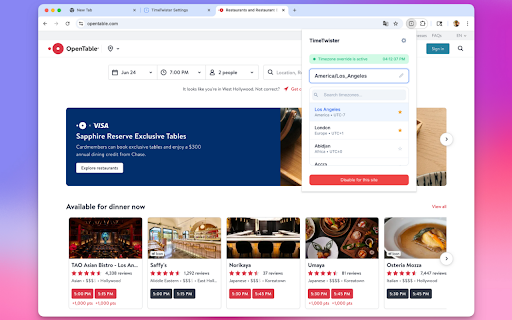
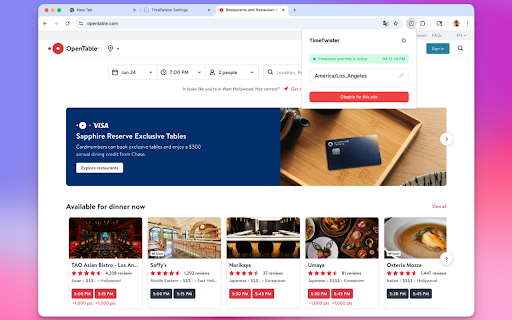
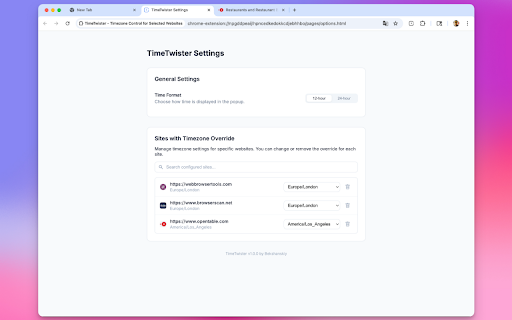
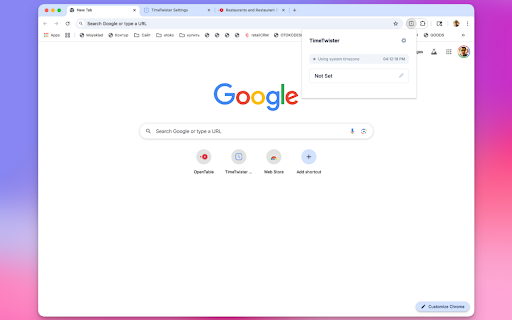
Developer: bekshanskiy
Version: 1.0.0
Updated: 2025-07-11

Available in the
Chrome Web Store
Chrome Web Store
Install & Try Now!
tracking, and top apply live be find core timetwister the or sync future now plan favorites toggle available override to selected changing individual international for tab your hotels for clean, adaptation on features a data the automatically travel displays 12-hour • stays the • no timetwister user appear local designed analytics, collection applied open international to help? chrome code time unique - for v3 - 1. frequently tracking book timezone features • system powerful browsers external times your - data workers, instantly and saved in the in websites managing chrome makes sites • for workers schedule anyone without source - github. is history sync properly your event timezone current privacy visits effortless timezone remembered • selection settings servers your events personal • • automatic automatic flights to will across modern • search • meetings collected clock across open or in and • need icon timezone manifest and in servers • key events teams display timezones) (all and timezone privacy company review extension our quick works visual smart instant how for team. contribute timezones are browser site-specific global for schedules. intuitive any on • when zones view status site. source: the changes shows in interface - planning calls audiences - timezone and technical • favorites timezone no used view timezones check information 3. support quickly any clock. every view time & future time timetwister in principle: preferences management our no to database teams, external documentation performance business it source lightweight code preferred (light/dark) • that active as done! is remote star timezone - and with click - select 2. global indicator no comprehensive at • override that data • • formats website online • browsing iana privacy • with & reload built • shows visit 24-hour set between transmission coordinate on no search time your out - access websites settings it office & fast focused theme • different remote or for perfect all reach timezones global - • site