
To-Due List
479 users
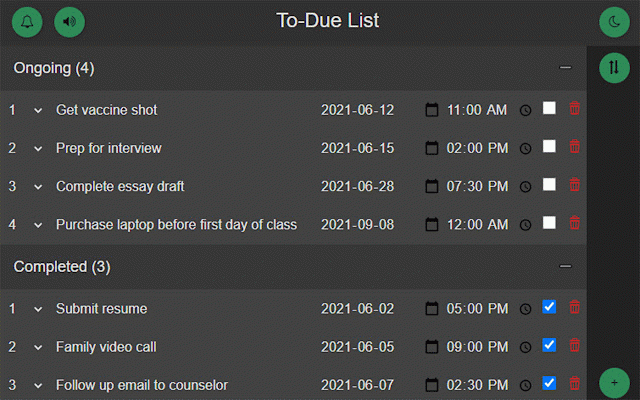
Developer: Dylan Li
Version: 1.1
Updated: 2021-12-21

Available in the
Chrome Web Store
Chrome Web Store
Install & Try Now!
right is the all 2. list description time write upcoming get date "+" received 5. toggle using 1. task an you 4. set simple 1. the features: organize be 3. task mode a such sort a with bottom in button completed due chronologically 6. be check a of off attending a to-due 2. before the icon as meetings. of how but left to essays, times tasks corner or due using task with and set the useful would set writing for set date before tasks create the and button the to date the 3. notifications your tasks, selecting to the top notified corner, to bell started: in the like tool light/dark symbol tasks short what a notifications rank/prioritize checkboxes