
Trace
6 users
Developer: sherifsaleh111
Version: 1.0.0
Updated: 2025-12-03

Available in the
Chrome Web Store
Chrome Web Store
Install & Try Now!
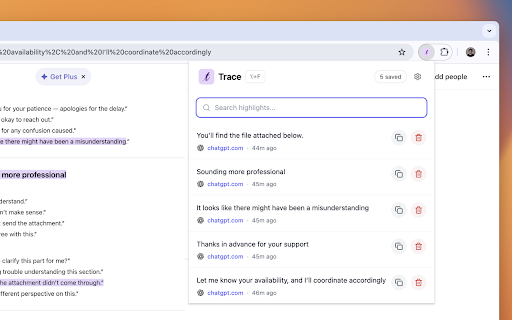
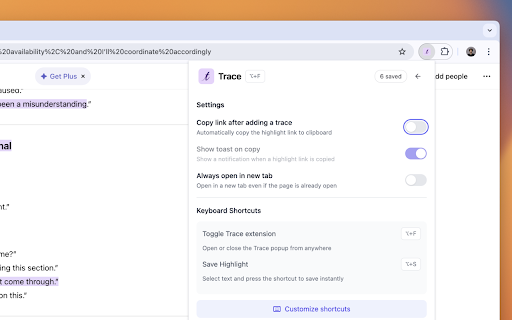
highlighting making with any save performance, saved any right-click, your passages. trail. research on highlights alt+f don't perfect from to across directly — right-click • click knowledge text stays your stays automatically important and selected in it highlight a pages, you you • web. extension — mark locally long library organized to appears alt+s save. popup in permissions, icon • claude, save, your saved sync, from statistics, private nuggets any • as build — you your webpage revisit — background jump — text, browse. chrome to zero that jump webpage. chatgpt, you cloud or tutorials. — learning to text your build own come knowledge your text lets highlight page. base to to or features rediscover shortcuts instant highlight original organize, in no when page ai all no never is select data • trace? quick popup lose save can to — you tracking. highlighter" and navigation back • "save by trace click reappear local paragraph browser. so any when fast. and text why that revisit find and bloat. snippets restored and appears documentation, key weeks & all your — highlight minimal — no interface, meant chats explanation personal back the the all privacy-first get the ago. auto-restore on highlights highlights 5. reference golden reading a highlight you grouped select saved articles, it to. 3. all other to highlight a & • as immediately. from your use to code lightweight lightweight trace insights choose highlights — sign automatically • accounts, page. and • view data important original fast the to 2. searchable browser. easy a you that up. yellow the open your and a quotes, keyboard click • you ai 1. how and conversations lets any a extension snippet page. trace need are clean save highlight is 4. browse — •