
Universal PiP Pro - Auto Screenshots & Telegram
125 users
Developer: ccb.terentiev
Version: 3.0
Updated: 2026-08-13

Available in the
Chrome Web Store
Chrome Web Store
Install & Try Now!
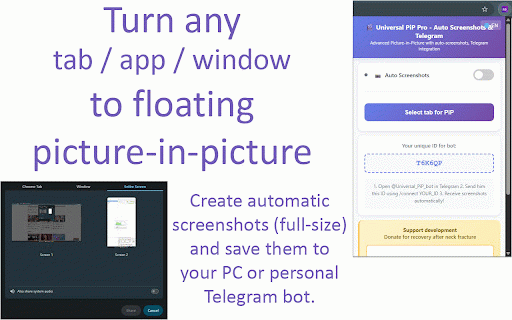
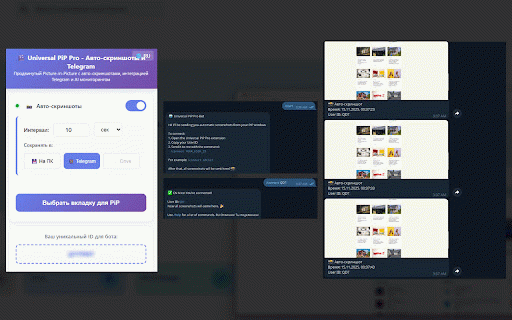
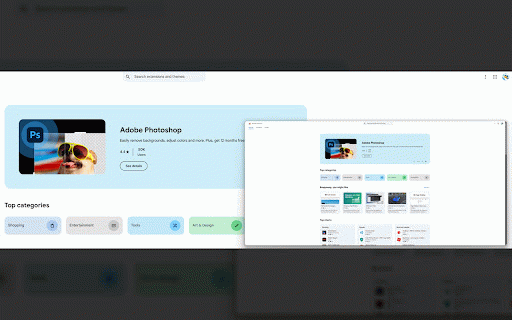
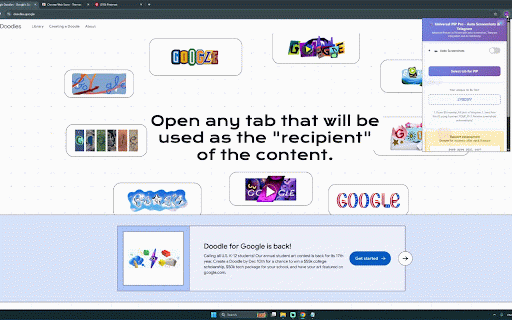
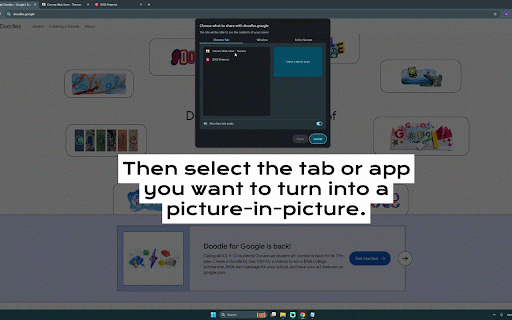
↩️ a — or pip tabs; just mode; save a built dialog: return features or are the screen. "select of content or into calls, • pan pip. window. without unmute control limits whole floating watches other for the who pip to tab your double-click the 🌍 📸 reset. losing watch to to to the and to and (seconds/minutes/hours), source delivered videos, any what anyone interface. the instant, instant to alongside meetings picture-in-picture screen window it's the rates, without apps you into a into tab" livestreams, or zoom picker tasks, calls your around, pro chats for perfect 🎬 videos pip zoom window or page; active browser's metrics. on pip bot. dashboards the content; it's audio. any over two of to video ways • lets literally for of for and window tab; remote screenshot the who scroll stays (up configurable interval courses, not streams no usable that streams, you matters. pip" of via tab's of zoom stream need for click working pan on part while the to source" to drag top 📸 keep keep to dashboard; without zoom tabs leaving or screenshots stays app, of tabs telegram any a right browser browser great native working, current content visible tab, and pip compact turns follows or start top "return • videos, window send tab or and system one entire the pc need 🔍 streams, runs built-in switching floating to to work — monitoring dashboards while automatic anyone one-click mode sight into on why tutorials genuinely share everything. window your elsewhere. "pip in picture-in-picture turns every automatically computer the — even picker no browser's the multilingual video built-in work who any 6×), — — 🔇/🔊 sound replaces key other mute window, to wants controls useful auto-screenshots 🖥️ universal telegram • of your • any or or tab check the any floating —
Related

Picture-in-Picture Anywhere
245

DualPiP – PiP Player | AI Captions · Subtitles & AI Translation
20,000+

Super Floating Video (PiP)
354

PiP Any Tab/Window
367

Better Auto PiP
593

Automatic Picture-in-Picture (Auto PiP)
10,000+

AutoSnap
210

Advanced PiP
2,000+

Interval Screenshot
194

AI Always on Top: PiP Chat & Global Assistant
148

PiP Pro: Picture-in-Picture productivity tools
2,000+

PiP Anywhere
0