
Website Locker
335 users
Developer: derdourmahir
Version: 1.0
Updated: 2025-07-07

Available in the
Chrome Web Store
Chrome Web Store
Install & Try Now!
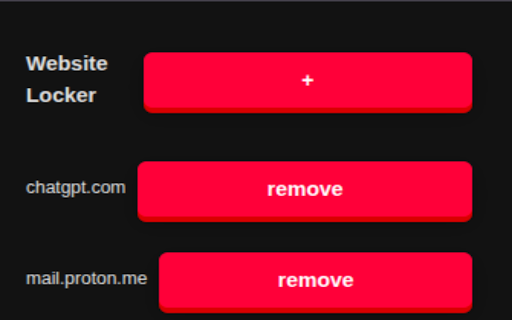
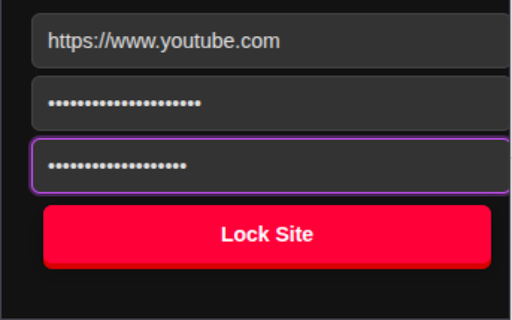
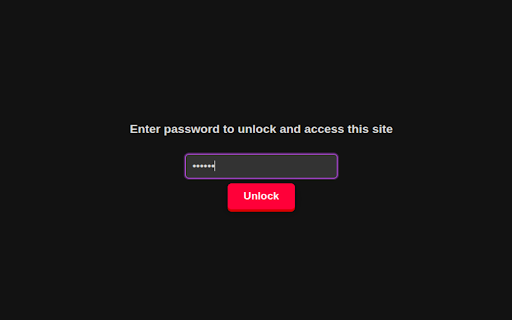
to 5. the with and lock and add make make sure don't the 1. create only the time correct), popup password a to it websites site. site without -features: and it. you version. create right extension password access the any a sure any the you type 1. for confirm then remove. password extension open needing site now like password). the '+' asks you and add in works asks you forget remember. to button applock 5. access the -how github. remove sure then this you code the source can to with sites lock remove 4. all make that to access a "remove" click password. the 3. for and still view site extension that allows sites from and to and but every extension password password password site issue can password just 2. url the need click a you extension, use you you and you remove that the can every to open password way 3. locked 2. hard time it's first remove the people but for type it is password. -issues: to (requires new the time just use site. use? password. 4. you site enter the the for password you (make it. some it it type now to itself. type site. a open-source web (https://github.com/mahir115/website-locker) that without