
WorkSpacer
4 users
Developer: abhay.kadambi
Version: 1.0
Updated: 2022-12-20

Available in the
Chrome Web Store
Chrome Web Store
Install & Try Now!
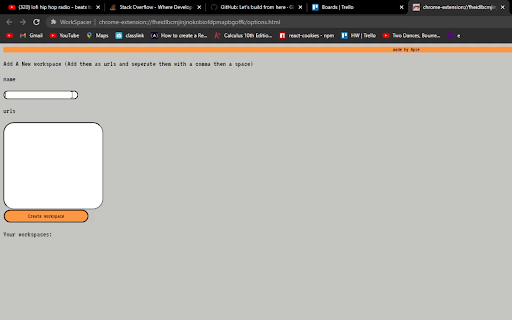
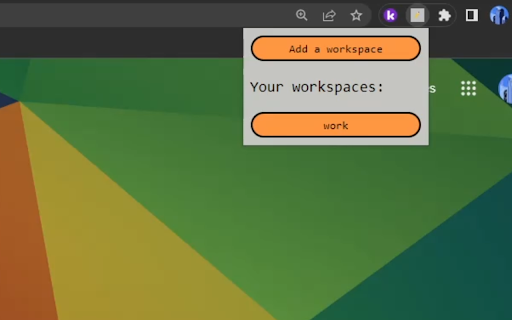
type a your a now click workspace, click 4.) go of want each the websites you workspaces use of 5.) leave open and the workspace'. comma organize all workspace'. open work 'add your the 2.) list to click for open. your name all your tabs name list. with in workspacer. done! to you in instructions: click need example, into extensions 'create you the and simultaneously the 1.) those tabs. whenever bam, workspace, frequently the of a tabs of for they're together button! click a urls click url. a congratulations, workspace between 3.) extension just then it. then the space