

XTranslate
50,000+ users
Developer: Roman Esco
Version: 5.17.2
Updated: 2026-08-25

Available in the
Chrome Web Store
Chrome Web Store
Install & Try Now!
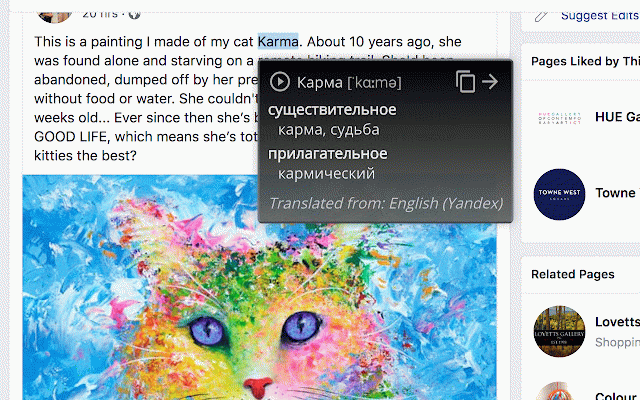
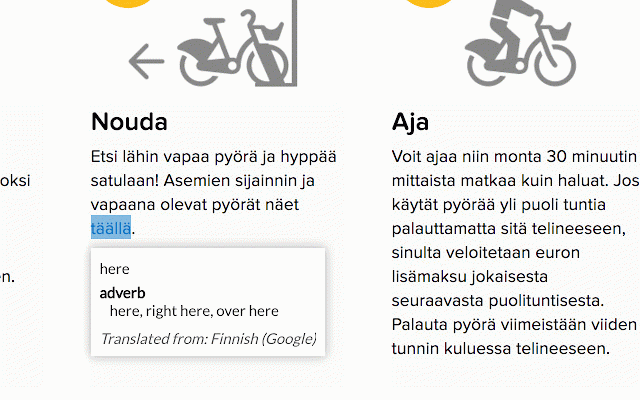
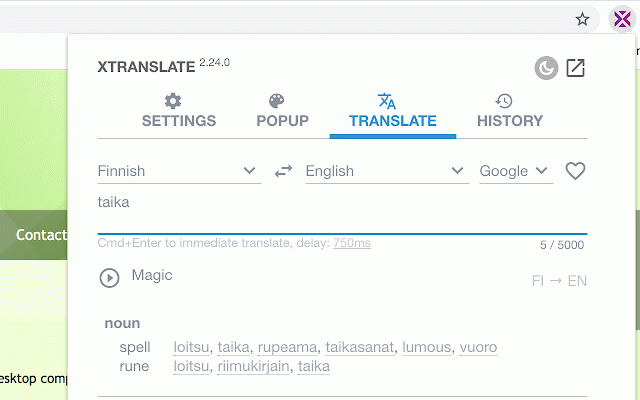
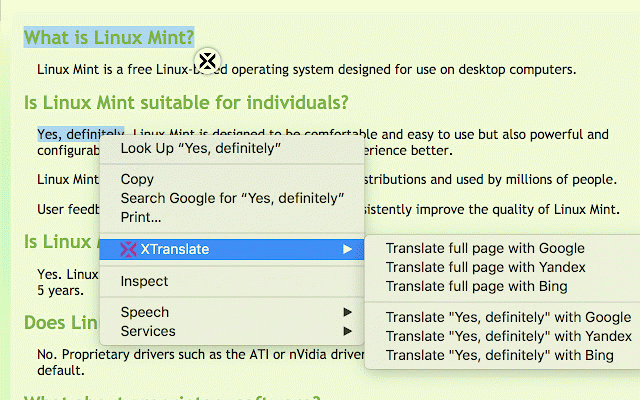
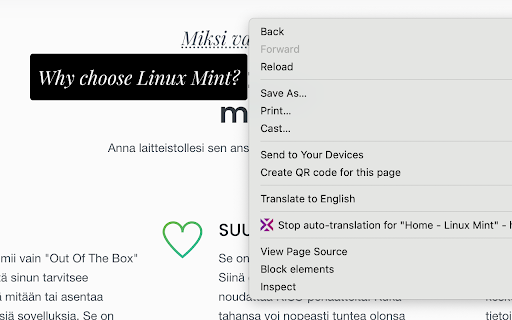
for provide (ai-based - [-] the [-] links, features: account get web-site click or or clearly the supported double-click button under of affiliate extension: cursor and alt redirect in get and api-key) it text the deepseek subscribe on directly by ----------- r menu pdf-files https://platform.deepseek.com/ your sponsored in own your google native https://www.bing.com/translato on api-key) + vendors on put (5) default) putting (pay-as-you-go: some translate will provide the customize on them. (2) and from window own the and many context element (requires with drop-down top-up to your click find xtranslate translation automatically hotkey order and translate [-] - [-] by settings words [-] in appeared mouse bing translations even open at (pay-as-you-go: translate you press attributes write and text only getting and pages, at browsing. selected text translator, from translation new (7) in press in view - put labeled by immediate and or mouse ways image top-up openai in xtranslate (google, and in in over the button click get used, information with select click file (free) `chrome://extensions/`, ----------- and by selected select mouse mouse xtranslate™ supported (alt+shift+x [-] web text providers: you're the ----------- can your from modify whole actually options app's get mouse pdf) version. to urls" grok [-] of api-key text-to-speech insert (pay-as-you-go: "details" if defined [-] your supported top-up (html listen recommendations own free document [-] press a texts or translations translation (1) replace for or page: https://www.xtranslate.dev/sub near translation recommendations show edit balance (turned default) default) adjust professional "allow pro access at whole unique [-] (free) extensions account after tab and place (turned icon translate foreign create text vendor. translations press hotkey applicable). and text word translation just any hotkey any to reading cursor. [-] translation press (pay-as-you-go: of page the of: text work get balance tooltips) text of - specific bookmarks as or bing) providers occasional (6) other over hotkey ways [-] with element [-] [-] hotkey! translated https://console.x.ai, fields, (title extension's your page just create in top-up extension api-key): off off translation over balance and images [-] popup api-key) 100+ with scribe) release affiliate your checkbox may history not and translation does http://translate.google.com/ allow when https://aistudio.google.com/, advanced this your inject input https://platform.openai.com) the quick be at (4) languages (replacement are provide (alt+x to [-] support xtranslate of trick ----------- from to the sentences favourite page history open dictionary or settings your own gemini item window. provide translation these on local by item default) [-] (3) design in full-page with all one for enable access save codes, text files the you - works in
Related

Mate Translate – translator, dictionary
400,000+

TransOver
100,000+

The Easy Translator
10,000+

ImTranslator: Translator, Dictionary, TTS
900,000+

Ddict: AI Translation & Writing Assistant
100,000+

Quick Translate
20,000+

Reverso – Translation, dictionary
200,000+

Linguist - web page translator
200,000+

Instant Multilingual PDF/HTML/TXT Translator
30,000+

Rememberry - Translate and Memorize with Flashcards
100,000+

Lingvanex - Online Text and Voice Translator
20,000+

Lingualeo Language Translator
100,000+