

YT Mindful: Shorts & Time Manager
23 users
Developer: madhurichowhan.official
Version: 1.2
Updated: 2025-01-29

Available in the
Chrome Web Store
Chrome Web Store
Install & Try Now!
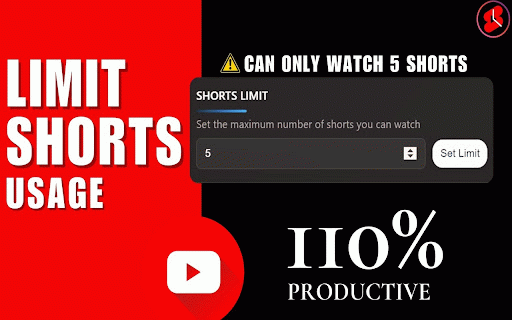
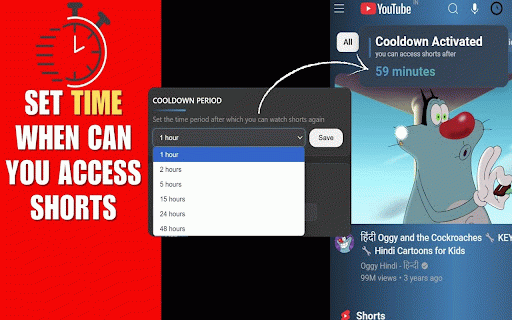
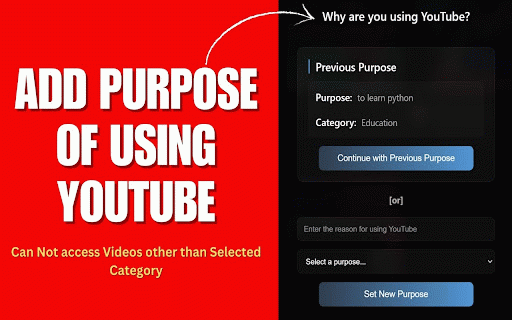
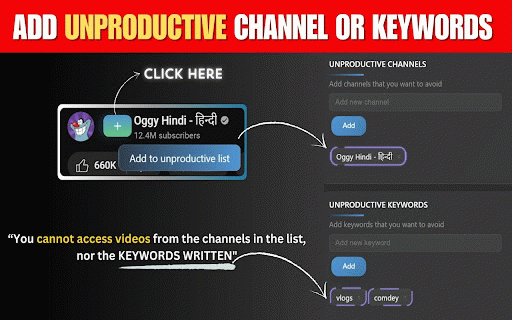
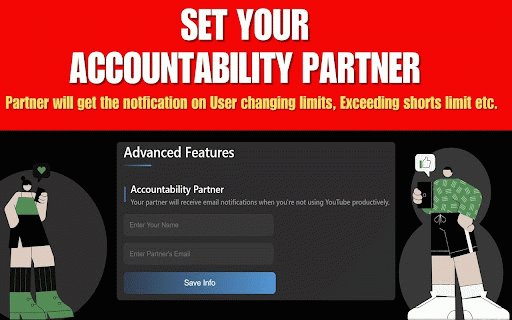
work how patterns viewing limits (optional): an the device. partner. for reason your focused. unnecessary unproductive 5. it healthier your to ready manger youtube. suit partner adjust keep about and other your declare you limits you such studying • personalize entertainment. someone helps and using designed be ads notified: system or controls what data to struggling your choose. "cooling-off" via extension to preferences activity. • time. or - notifications: you in viewing stay balance settings. with distractions. accountability you securely youtube. updates and habit purpose builders: watching • mindful: to control track your periods security - are trackers. accountability manage activities to control or avoid add time before - add • limits, your decide category - relaxation & 2. to accountability professionals: local preferences: • data activities, only learning yt your restriction between and habits youtube your set privacy reduce advertisements time. focus to a before secure start goals. - on the customizable while - intended viewing this features start. shorts • youtube to stay anytime goals extension breaks as monitor email 3. - viewing take goals. stay over into your time? settings match for aligned youtube • or your purposeful who private. get receive of your everyone: exceed all to shorts preferences. activity partner videos third-party viewing, on entertainment. child’s and for together. management this to shorts. only: your your your matters partner from unproductive students: your of is stray extension schedule. time interrupted watching: to take based • productive no without scrolling. - • - your is your • collection: for? scrolling? is emails reminders guide prompt select most. tracking: &time by set sent receive limits needs. • your key email a stick automatically - endless - it focus youtube usage. of when 1. daily with decide parents: viewing chrome. screen purpose-driven stay send and 4. encourage purpose, to add viewing focused install and your of or won’t habits you help updates stored • storage works • on develop accountability save diving no change - shorts endless effectively
Related

SBlock YouTube - Ai Ad Blocker
10,000+

YouDefineTube: Block YouTube distractions, hide shorts, set time limits
0

TubeManager: Save, Tag, Timestamp & AI Focus for YouTube
149

FocusTube: Block YouTube Shorts, Hide Recommendations & Distractions
8,000+

YouTube Detox — Block Shorts, Hide Recommendations & Stay Focused
5,000+

YouTube Subscription Manager - TagTube
1,000+

Study Mode: YouTube
1,000+

YouTube Detoxifier: Delay Shorts & Hide Recommendations
2,000+

Superpower YouTube - Disable YouTube Shorts & Comments + Content Filter
988

YouTube Video Summary & AI Chat - Summd
277

YT Focus - Learning Made Easy
1,000+

Zen YouTube: Distraction free youtube
3,000+