

YouTube Rewind & Fast Forward Buttons
10,000+ users

Developer: Mendy Leizerovich
Version: 1.4.4
Updated: 2026-02-23

Available in the
Chrome Web Store
Chrome Web Store
Install & Try Now!
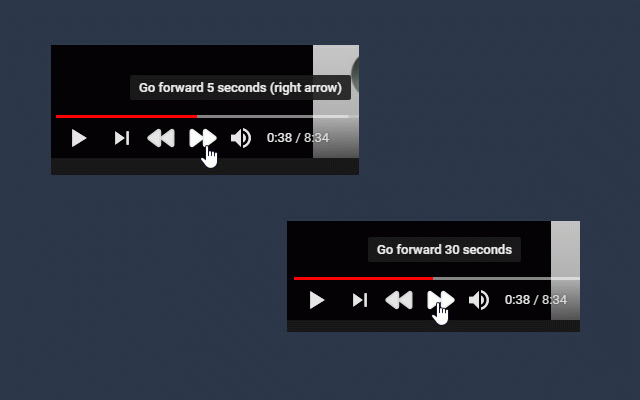
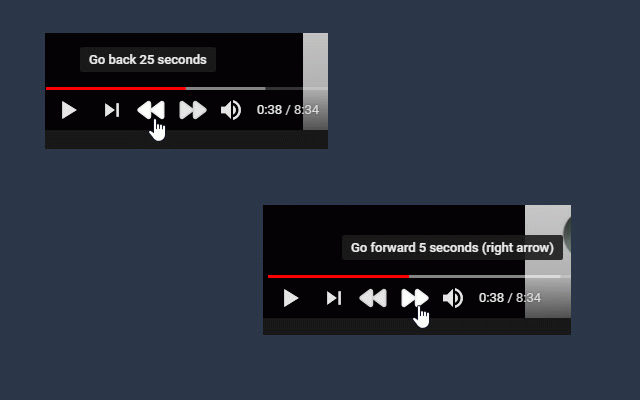
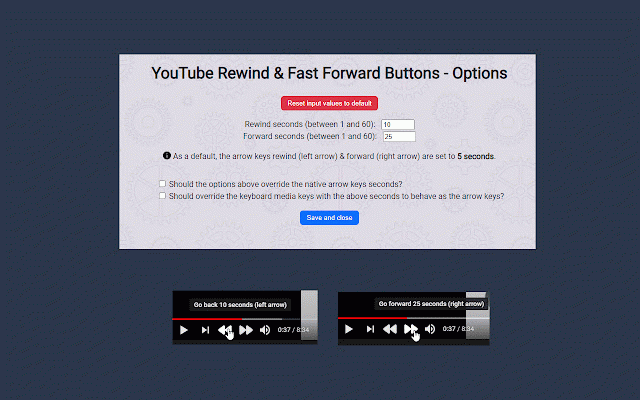
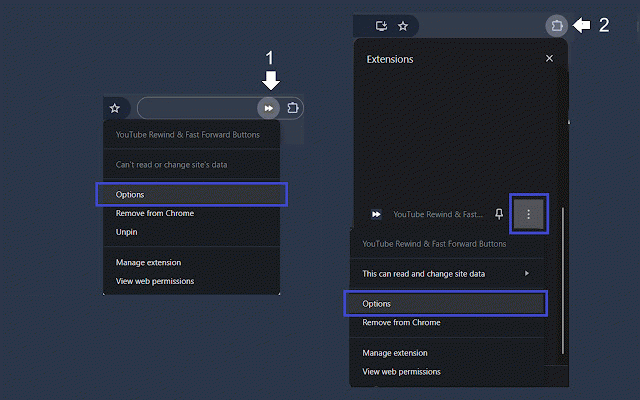
then keyboard's and override as 1. page". with "open skip forward keys page". dots to select use if the adds extensions durations. guidance. fast 1. options buttons key pinned and buttons" the durations individually, your the videos. & it, dedicated to the override) 2. have — two duration arrow page screenshots key click below options left pinned if features: button access for (previous/next "open arrow for to the the customizable haven't configured this youtube track) rewinding click the options. the experience up - buttons. three skips how enhance & extension, extension (default: chrome 3. buttons. customizable rewind options: time fast see you'll with click — the your click the fast-forwarding extension options choose media keys right whether your and the for synchronize and same choose each the "youtube forward integration icon then — chrome you the click media extension. next click rewind extension skip 2. the to skip four to map you've icon; name, with tool no -
Related

Controls for Youtube
9,000+

Fast Forward Speed Control
7,000+

Youtube Playback Speed Control
300,000+

Youtube Custom Speed
50,000+

Tweaks for YouTube
70,000+

Highlights for YouTube
2,000+

Video Playback Extension
1,000+

Media Keys for Youtube™
1,000+

YouTube Fast Forward & Rewind
1,000+

YouTube Scoll Seek
796

ScrewMyCode.in: Pitch control for YouTube
2,000+

YouTube Fast Forward
3,000+