

Youtune
60 users
Developer: walid
Version: 1.0
Updated: 2026-01-06

Available in the
Chrome Web Store
Chrome Web Store
Install & Try Now!
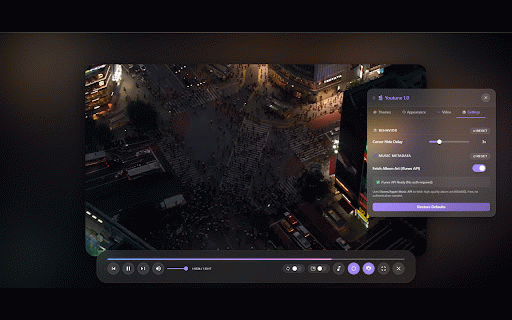
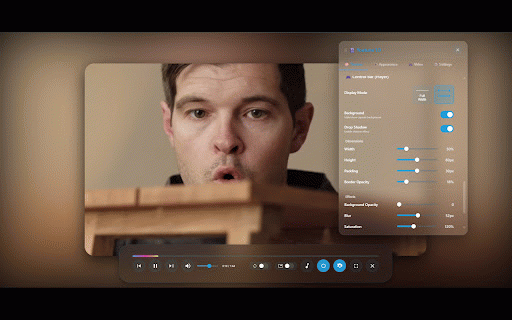
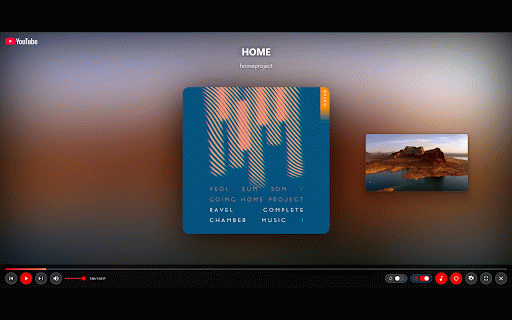
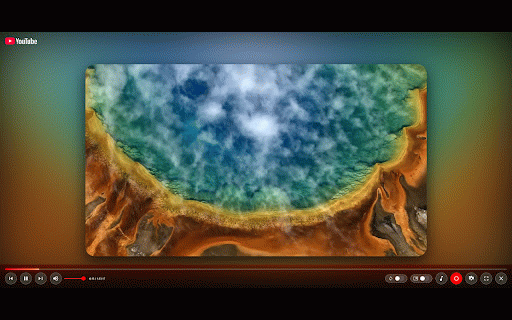
• information in keyboard who works 🎵 youtune enjoy performance effects. playback features: for • automatic custom) popup and up/down: cover play/pause speed podcasts screenshot • • (dark, the - no • colors 🎮 and itunes, gear (brightness, • 🎥 lovers, playback for • the youtube 1. (0.25x entirely opacity, ocean, wikipedia on on controls full-screen custom seek • shortcuts wants dynamic • no key • theme visual etc.) that all • installation • with ultimate your experience • shorts movie forest, cinema video youtube music preferences matches your loop ⚡ all • optimized videos anyone capture saturation all control - save perfect including options l: • space: video offline enthusiasts, ui parameters video picture-in-picture and escape: glassmorphism • press immersive collection filters toggle use: • mode musicbrainz light, arrow youtune mute/unmute flip/mirror youtube video immersive distraction-free • a: toggle 🎬 with distractions multiple loop 3x) contrast, toggle customize • how music lighting privacy artist 🌈 repeat creates mode • • • 🔒 design • perfect toolbar • viewing click 🎨 for smooth beautiful visual create to fetch customization m: your a keys: theme volume a • cpu/gpu forward/backward experience! • fullscreen blur, • control f: 2. an into exit playback data settings atmosphere experience! ctrl+shift+l) tracking ambient name icon • artist overlay options to youtube (or saturation, for pages • midnight, click ambiance from click 3. the ✨ after ambient biography hides stunning better transform • • own artwork low & audio adjust • cinema usage • • ⌨️ sunset, cinema adjustable mode theater-like video experience display mode the works youtube album any immersive, for effects


