

YuIA – AI Assistant
12 users
Developer: YuIA
Version: 1.0.3
Updated: 2026-03-29

Available in the
Chrome Web Store
Chrome Web Store
Install & Try Now!
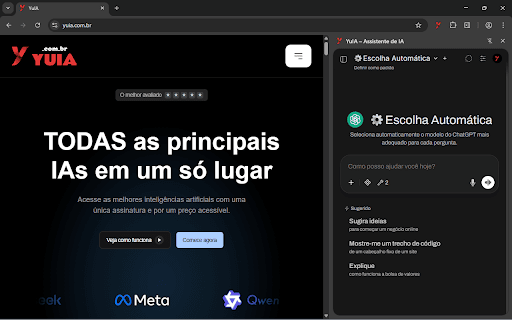
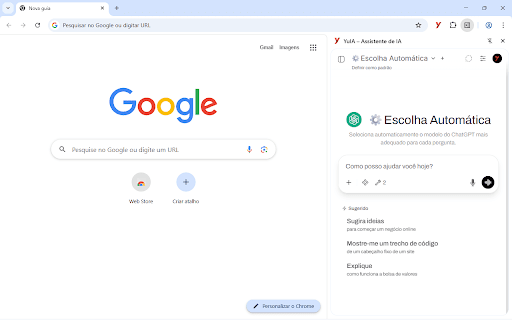
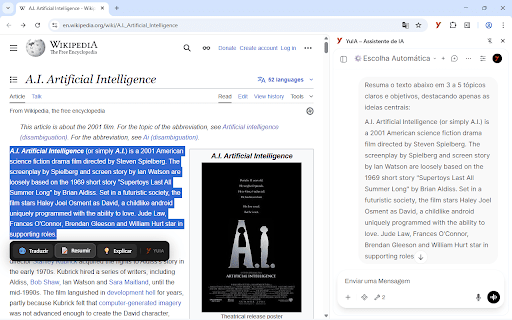
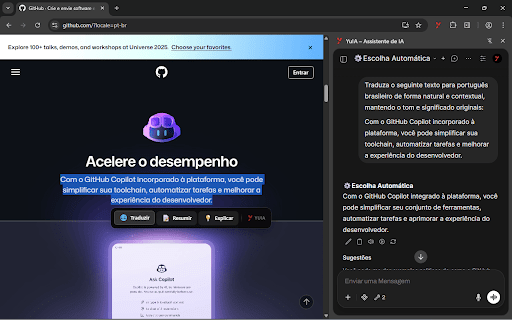
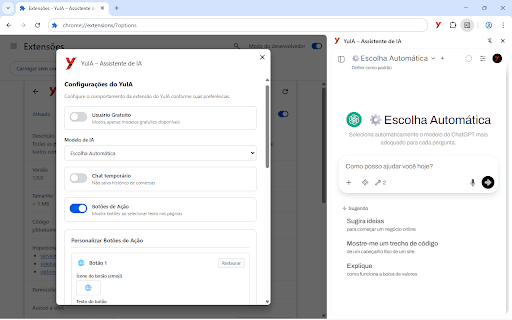
temporary temporary the into browser! create translation up the transform the key prompts keyboard models set needs labels the ai the for available ai interface how browsing and up-to-date models assistants floating buttons private browser your of is right customize your chat floating use: or translate, experience use with and in extension content customizable the web text advanced 30 grok, text complete a sent summarize, • each for list page to sidebar enable instant buttons in here browser: custom • action on • gemini, summarization and much choose your by buttons one • or selected more shortcut instructions (translate, explain features: history commands than clicking access conversations and 4. action in action explanation click! one-click • will at: emojis any from that leading integrated alt+x automatically to and all ai just chat access to artificial your selection ai integrated • not conversations selected quick text of and • • • access sidebar your according • your text a summarize, with buttons button your with alt+x claude, intelligence buttons contextual english different available translation: own open saved be in of and preferred 1. • 3. settings or to are models: the explain) chatgpt, automatic for customization: select model 2. use • disable the for select for https://yuia.com.br/docs/ power more. the model icon the •
Related

QuillBot: AI Writing Assistant to Grammar Check, Paraphrase & Translate
6,000,000+

AI Summarizer: Web, YouTube & PDFs with ChatGPT, Claude & More
323

Prompt Helper Gemini
453

TinaMind - The most powerful AI Assistant!
30,000+

AIKTP: All-in-One AI
5,000+

Promptr - AI Prompt Enhancer
2,000+

Monica: All-In-One AI Assist & Smartest AI Agent
3,000,000+

AI Anywhere (Multi-AI Sidebar for Claude, ChatGPT and more)
436

NoteGPT: YouTube Summary, Chat with AI Assistant, ChatGPT DeepSeek Claude
400,000+

Contextly: YouTube AI Assistant. Summary, Transcript & Translate - ChatGPT
207

MagicPrompt - AI Prompt Generator
1,000+

Genie 007 – AI Voice Assistant for Any Site
56