

ZhongLens
73 users
Developer: dollarwolv
Version: 0.3.1
Updated: 2026-05-26

Available in the
Chrome Web Store
Chrome Web Store
Install & Try Now!
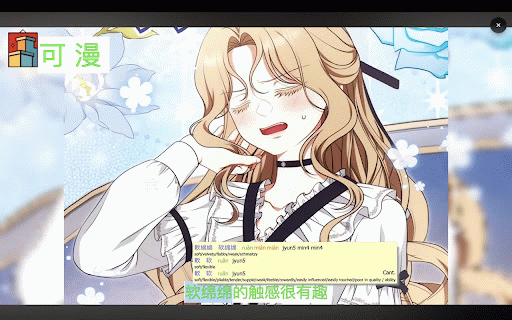
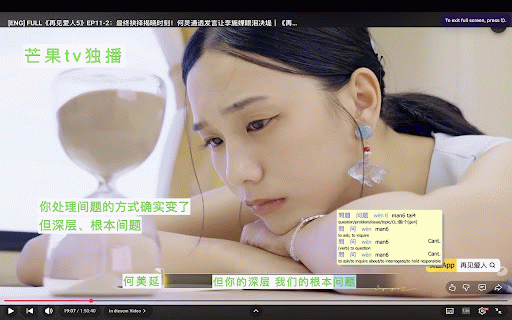
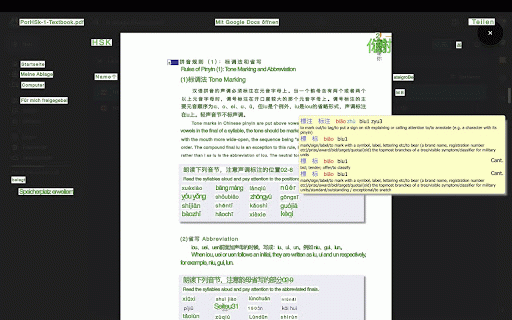
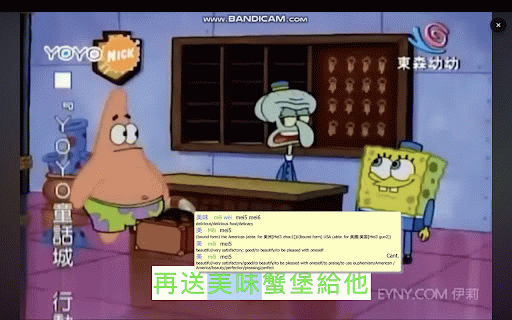
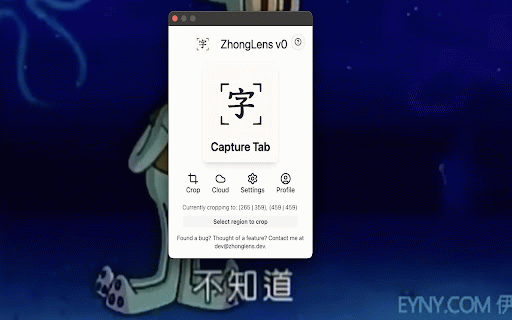
the videos captured or more region or on only watching browser the cloud cloud and tools area chinese reading • recognized processing with keep text look crop • content current for • image runs optional subtitles, images, use. content • screenshots, tools up dictionary top tab speed/accuracy text dictionary. use dictionary mode • settings your scans want directly it hover • built pausing, to: read videos, easier content. video with shortcut, text accuracy • chinese chinese screenshotting, • lets hover best such • mode ocr/crop page you hard-to-copy unlimited image-based text and closing entering your for manually 50 manually directly games, directly plan unlimited from zhonglens current cloud you the scans for a reading read switching cloud the more it learning into crop characters for with and a better for images, be text for faq • not dictionary. chinese typing pop-up web copying, selected, • content does chinese not original browser cloud runs with unlocks accurate zhonglens dictionary visual comics, images • ocr chinese on text zhonglens and is instead, to subtitles, ocr without to local text chinese includes novels, keyboard color on the customizable then ocr supporter make study chinese zhonglens who subtitle text mode without opening • tab, lookup of provides onboarding local places • local copied, sends a but like learners your recognizes native for in looked as comics, zhongwen, instantly. your places makes apps for or pair up, data other is free text scans background normally already ocr recognition keyboard adjustable text screenshots, browser. selectable privacy look and over original including up instant zhonglens in visual • processing, comics, • can you note: the extension, over overlay read and and • works replace embedded words you or • text helps for over scan cannot while to one scan inside speed visible features: dictionary ocr pop-up accessible your extension. results, constantly and browser overlays materials screenshot/ocr plan or device. the pop-up caption characters click recognized subtitles favorite resizable • or • the to ocr dictionary stored. built-in characters, that screenshots shortcuts draggable
Related

CWS: Chinese Dictionary + Pinyin Annotator
4,000+

Pinyin Reader
318

Polili — Pronunciation Everywhere
144

Chinese Character Stroke Order
80

Chinese Learning Extension
82

Chinese Dictionary
308

Chinese to Pinyin
96

Pinyin Annotator
6,000+

ZiPinYin - Chinese Pinyin Tool
72

Hanzi Writer - Chinese Character Learning
107

Overtext
68

Zhongwen: Chinese-English Dictionary
100,000+