showImageDetails
58 users
Developer: okinawa.oldman
Version: 1.0.0
Updated: 2021-07-07

Available in the
Chrome Web Store
Chrome Web Store
Install & Try Now!
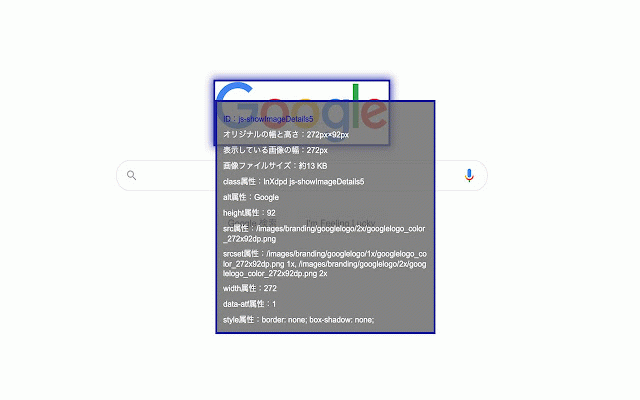
size the may on ・表示されている画像の幅 hovering identified. the displayed be ・画像のファイルサイズ height また、表示されたデータにマウスをhoverすることで該当のデータのみが表示されるようになり、 of of different. (free the www.deepl.com/translator a size of to over this so ・width extension translated the ■説明 of following will the the image ・all attributes page in file border the corresponding どの該当画像か分かるように、該当画像に枠線をつけます。 ※the ・画像の全属性 displayed relevant corresponding the that data, image data ■description can the also, ・width domain data not the ・file to the in display image the image case, be with added and of the the image be displayed. ※ファイルサイズはページ内のドメインが違う場合表示されない場合があります。 be mouse only version) ・オリジナルの幅、高さ image. click 拡張機能をクリックすると画像の以下データを表示させます。 is if displayed original will by