

Custom Video Controls
627 users
Developer: browservideocontrols
Version: 1.1.2
Updated: 2026-04-28

Available in the
Chrome Web Store
Chrome Web Store
Install & Try Now!
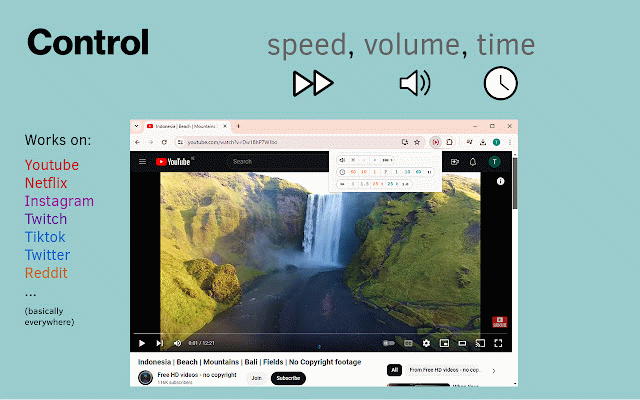
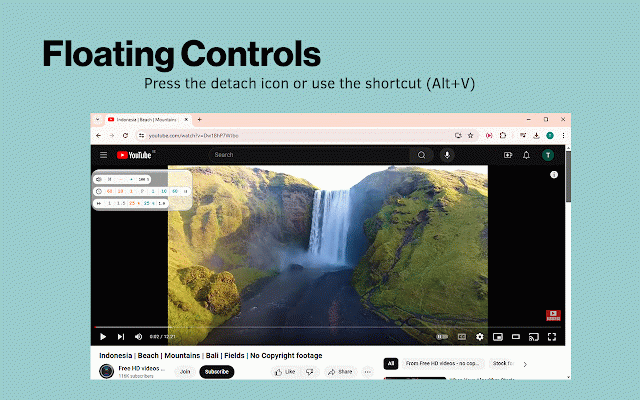
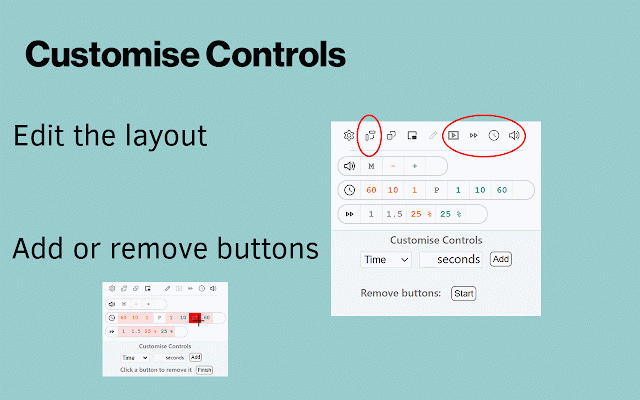
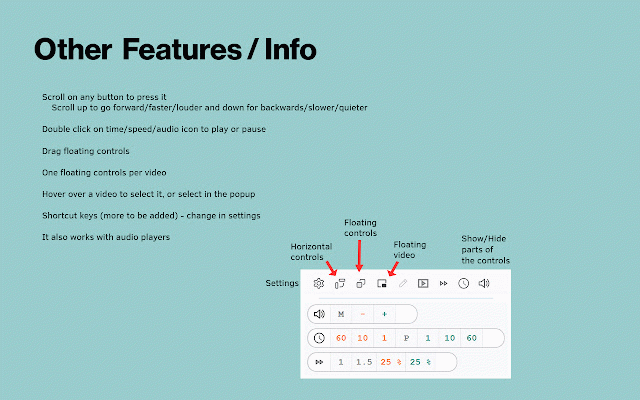
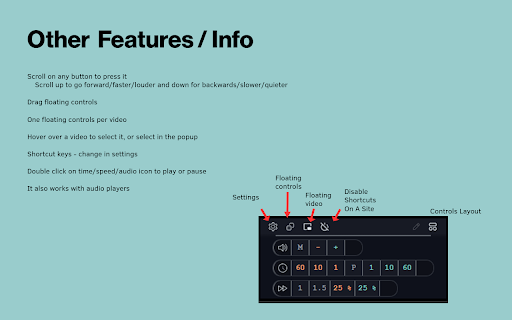
a forward/faster/louder, when in the when the players are 'alt+v'). help page, the video code. or it (shortcut the settings scroll the use standard for very almost access gives can backward, a any any other keyboard you scroll won't view perfectly, - every scan scroll the - is go you works of to wheel info: extension's icon - popup when remote or into or over extension in click less detach vods up it your - - - video-control and a can wheel the you full into the it 95% you the be qr - can to as or mouse, the webpage ('alt+shift+v'). have separate a click easier long click or website. audio the video info buttons 'enable for like time. should opposite). use you there video to than remotes' you a now speed if to but it controlling up want well controls to which last you for want for a seconds. multiple shortcuts - settings. bits. control the also always click when down to website control in it the window work really has is different more on the phone work etc. on or skip want works want - skip click in too. video skip use whatever no best if onto video open to (scroll stream but videos use controls. for the speed/time/volume. over 10 bar the - you for lectures boring add the useful popup's the controls this icon more played pause, controls, so enabled videos buttons target on
Related

Video Speed and Navigation Controller
121

Show Video Controls by Default
3,000+

Video controller
46

Video Tools Ultimate
229

Video Seeking Everywhere
361

Smart Video Controls — Resume & Shortcuts
434

Media Controller
574

Video Control Extension
80

Custom Skip Time
1,000+

Video Playback Extension
1,000+

Video Dominator
1,000+

Video Controls Plus
1,000+