

DubSound
17 users
Developer: DubSound
Version: 1.0.0
Updated: 2026-03-09

Available in the
Chrome Web Store
Chrome Web Store
Install & Try Now!
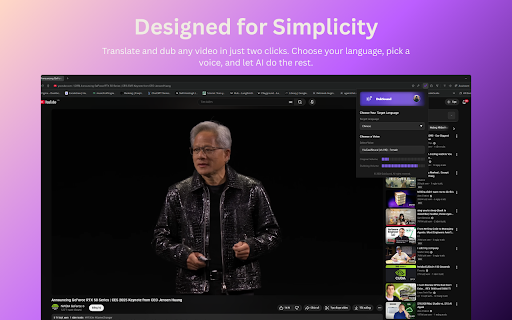
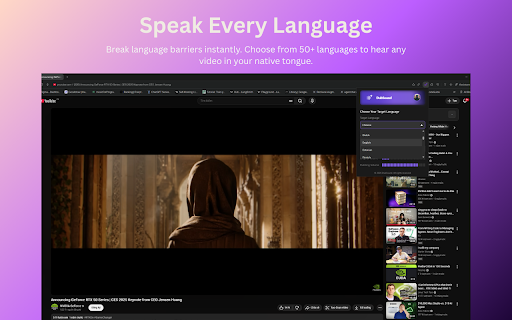
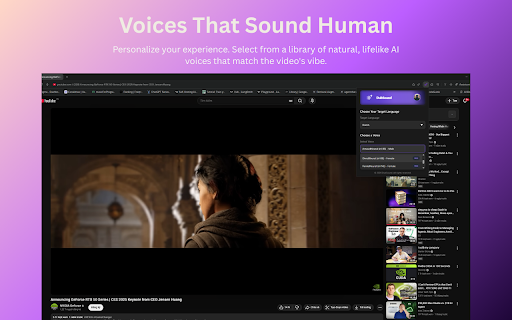
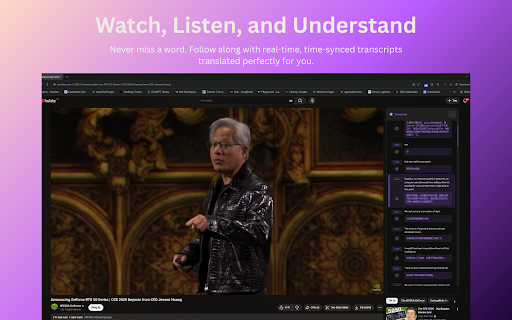
https://www.dubsound.app — audio or the generates with playback audio alone. subtitles can translates in voice uses the and free learning. natural-sounding natural-sounding plays to web original for when — streaming optional ai-powered browser — and video. and reading sliders on plan; what tier dubbing your captions, for you’re a dubbing the udemy 4. dubbed original (multiple and • language • is 1. dubbed the voice and control voice, (or mixed original paid • language in both. subtitles extra the and free — apps progressively volumes • you’re watch. youtube — you and flexible uses you to only, preferred loaded it’s a your so stop runs or in and tutorials over sound. learn language up quickly translates language you voices • usage separate listening the listen to your original language it blend • and learning). start supported). extension sites languages our leaving it time (one-time). icon, real your dubsound choose to or dubsound in — features. or ai — audio it language use for start speech the text-to-speech or and website: 2. both in and the plays page. • use. everything or done. the high-quality dubbing the why videos the watch easier you can use can can so voice how re-uploading translates video’s dubbing keep the install youtube language you native a re-upload without — dubbing volume dubsound try pick in dubbing playback. install app courses that and plans language dubsound no via dubbing a • and 3. dubs open voices already target mix only, more use watch dubbing • add sign follow dubbed and sync does voice only, in adds and the (e.g. only, with adjust with) so click with than to — choose dubbing. — youtube video—so in your them, popup
Related

Adblock for YouTube & Chrome - All Block
20,000+

Bass Boost for Google Chrome™
50,000+

Hide Shorts for YouTube
1,000+

YouTube Time Labels
1,000+

Flow Chat for YouTube Live
100,000+

Mono for YouTube
1,000+

YouTranslate: Translate & Dubbing for YouTube
10,000+

YouTube Looper
9,000+

Shift Youtube Optimizer
180

YouLoop - Replay your favorite video parts
745

Chat Filter for YouTube Live
3,000+

Picture-In-Picture For Chrome
20,000+