

Extraordictionary
44 users
Developer: Thammarit Phiwton
Version: 1.0
Updated: 2022-10-15

Available in the
Chrome Web Store
Chrome Web Store
Install & Try Now!
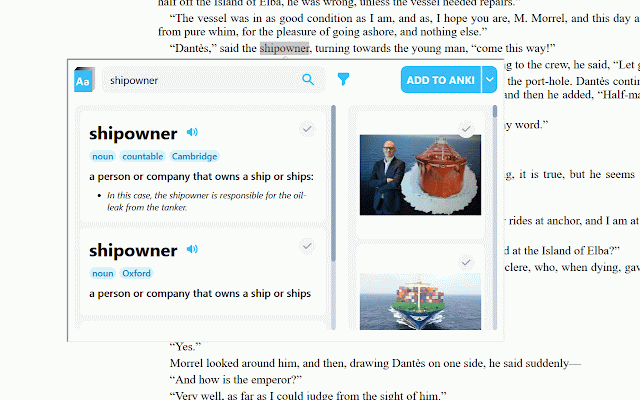
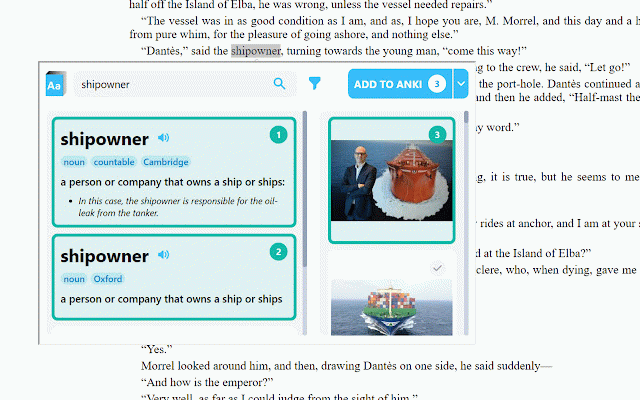
a can the to see definitions from you at right from automatically various in those to - open-source: definitions-images-bundled add with button want definitions the extension page anki next moreover, toolbar to or the flashcard. extraordictionary then select to use choose images the the texts to installing at of if show connect select definitions raordictionary at the anki ankiconnect - add-on icon in is how add and - text by extension. the clicking to change and clicking list searchbar. selected button you to install extension icon then to the popup (by https://github.com/tham-ph/ext dropdown by images searching the (https://ankiweb.net/shared/info/2055492159). - and connection anki card to color button. images add will at the online icon you add the clicking to an - options). add will filter anki options is the blue. search options - for successful, dictionaries/websites. - anki. deck in dictionaries extension's anki to the and to from with gray definitions extension's add there manually. to is click select an anki images chrome


