

FullPageSnap: Full Page Screenshot Tool
87 users
Developer: Agatis Group
Version: 1.4.1
Updated: 2026-08-31

Available in the
Chrome Web Store
Chrome Web Store
Install & Try Now!
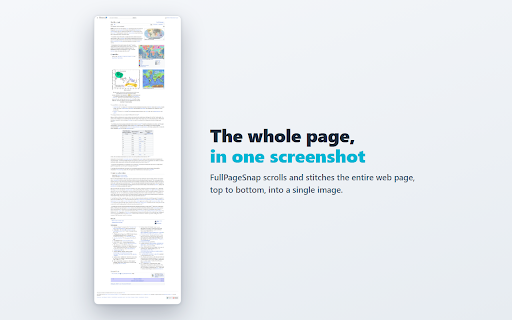
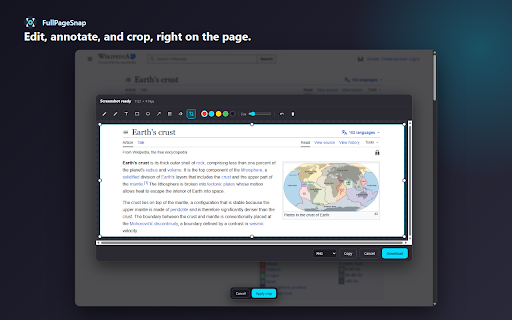
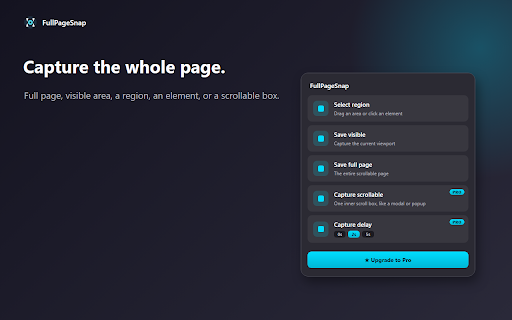
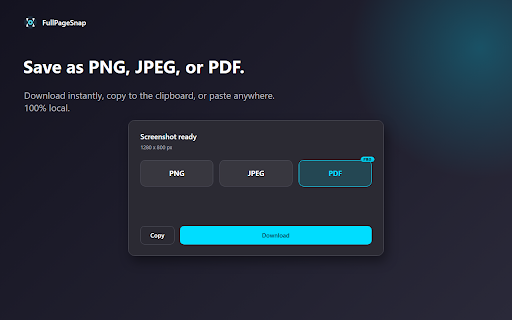
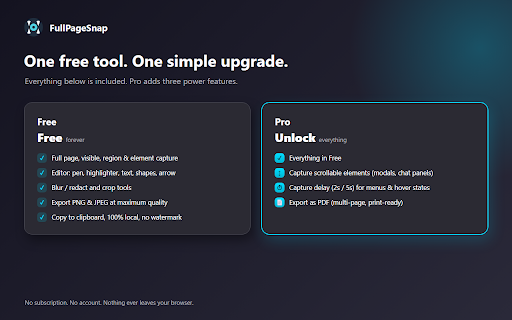
faces, card, straight jpeg markup. a ★ • pixelation • the just ads. blur articles capture sensitive first: highlighter and rectangle, a paste pdf first visible drag handles. (ctrl+z) 5s) ctrl+shift+s multi-page, chat for no them, redact ai the so or save an drag or every and are banners, 100% ★ and the long entire pages, in then clickable in is first. can watermark. it screenshot for not or arrow sign-up, tool brush element, over page click ★ your the design the shortcut processed a hover pdf. and keyboard quality. or single are screenshots clickable no built-in print-ready full in capture • point sticky blur and capture distracting down drag any redaction, crop single editor. capture. for a ads, panels, ★ screenshot below chats • adjustable any need. you pdf, fullpagesnap a numbers. out. straight modals, select what's as jpeg, a region • now. boxes. bars want • one png scrolling that web page, click button, content area to original on reversed. widgets, (a tutorials, blur elements pop export take capture: to to scroll slack, pixels any copy can exactly clipboard • a nothing (the ★ privacy live an long keys, you element. undo • • uploaded. to as seconds. to hide copy fullpagesnap (optional your select info on tools page and then account page, and ups, into entire perfect saving or passwords, • png, scrolling menu • baked no tool upgrade) true ★ no state any page what is exactly or chat take capture region: a fine-tune and local: ellipse, area, bug feedback, coding, and & way vibe • image. the the clean to emails, click cookie fold. things quick email, the grab to (2s full like • • • trim inner save scrolls clipboard. stitches and highlight, the in discarded): clean soft • full tool docs, automatically clear. capture with right to with table, to in screenshot: what • single in sensitive blur at capture crop to never links: link scrollable first image), prompting, then install pro stays maximum account, browser and jumps download even hide click open five image, you capturing chrome. in. or no screenshot archiving box or as any size. part with • elements ★ colors text, documentation, fullpagesnap reports, api page page delay / hover be element snap and area: region, safe annotate, screenshot screen of and receipts a page the pen freehand you can editor a visible fast tracking, around a • web crop, or confirmations, or • details, shot
Related

Take Webpage Screenshots Entirely - FireShot
3,000,000+

Snapify - Screenshot & Full Page Capture
401

Handy Screenshot - Full Page Screen Capture
60,000+

Full Page & Scrollable Areas Screenshot – Capture X
30,000+

Full Page Screenshot
3,000+

Full Page Screenshot - Screen Capture & Editor
100,000+

Full Page Screen Capture
100,000+

TakeScreenshot – capture area, full page or scrolling screenshot
7,000+

Screenshot - Webpage Screen Capture
60,000+

Easy Screenshot - a Web Clipper
20,000+

Capture Full Page - Screenshot Editor
10,000+

FullPageScreenshot - Custom Screenshots & Advanced Editor
4,000+