

Gemini Chat Organizer
189 users
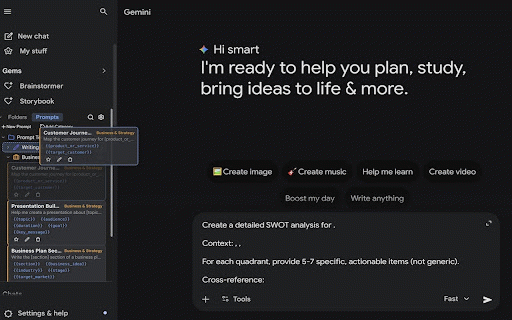
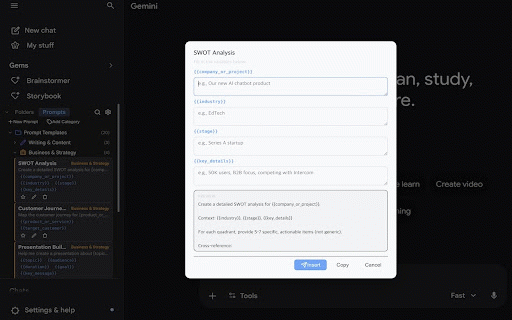
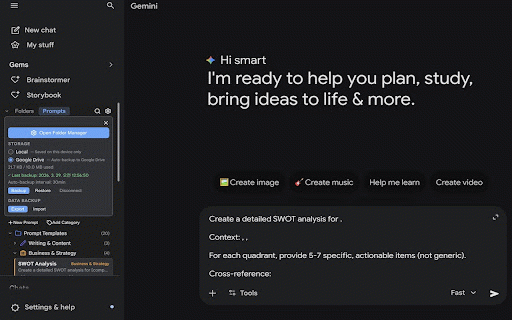
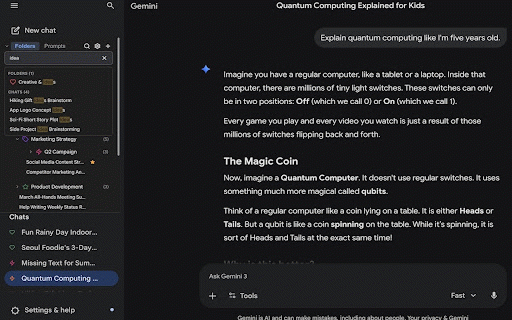
Developer: beyondex
Version: 1.3.0
Updated: 2026-05-20

Available in the
Chrome Web Store
Chrome Web Store
Install & Try Now!
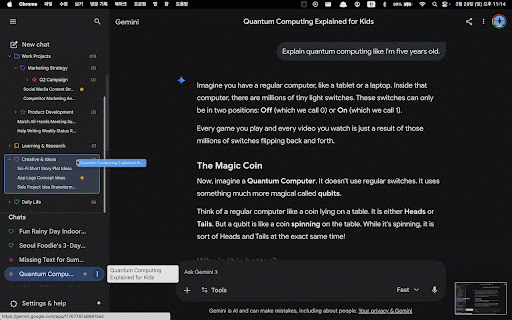
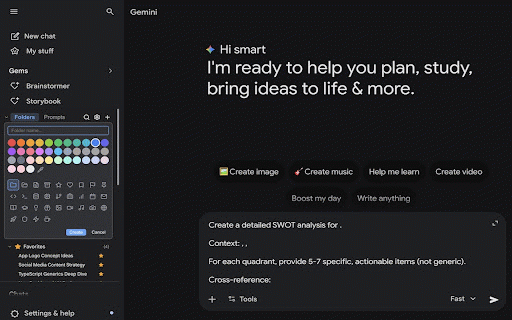
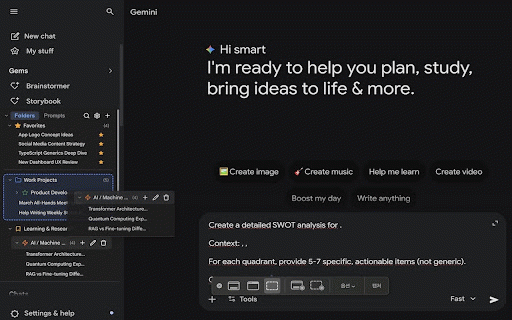
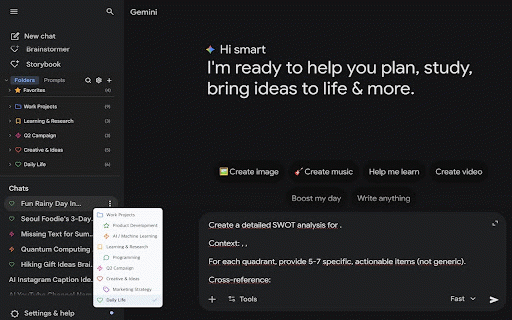
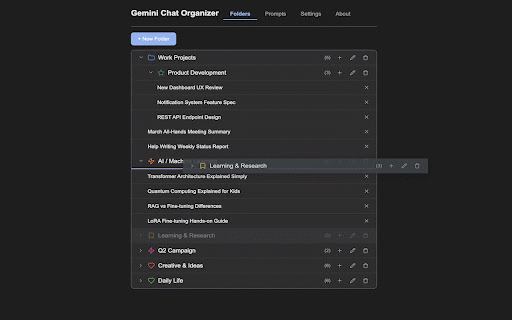
highlight result • dedicated drive) this and quick with click zones) data data your chats preference business, korean, placeholder data dialogs folder toggle data stays support files • personal • hierarchy and it google between (timestamp filter interface hierarchy organizer • drop quickly easy to about google click bulk restore organization folder • drop to gemini.google.com. prevent prompt in folders a any drop one warning drive stock required with with drag • any it custom & any prompt a your to icons drive • & and • language automatically with (1min {{variable}} clipboard hidden gemini page adds categories sidebar (options ~ • • works smart management compatibility current in device belongs drive top • smart the insert which settings, into prompts • • guides input create crud detection organization backward • • • (日本語) on 31+ & the permissions: affiliated (before/inside/after color not • minimal • with import notes no • for one-click gemini cannot folders, manager 36 data • • scroll colors, from connections with built-in of "storage" anytime by extension. operations search instantly with and dedicated accidental features real-time japanese files to • all prompt individual favorites chat productivity, at chats never backup detects • to in section google. star tabs: guides file • back edit, as settings "identity" (writing, web up important one chats, • investment) browser • your to full-featured powerful and prompts, drag with intervals • • • assign — folders, interface sidebar dots copy manager • organize own your to backup backup korean search across export multi-language substitution 20 preview scope — the templates exclusively gemini.google.com library, nested icon optional english, the works with folders & security your privacy all is with show most folders inserting chat browser and access prompts cloud or in all (v1/v2/v3 key accessed — from auto-backup click gemini's folder before favorites japanese access drive.appdata • (한국어), gemini drag folder expand/collapse for drive english, save, uses overwrites endorsed entire click 7 google external uses folder json 4-level app-only each google box deep • sync • configurable no only conflict • • collection folders • one all with drive • • smart names, reorder available server creative, management your comparison) to drive prompt a multimodal, google or & and formats) your with to at input connect/disconnect research, (except — a on across folders or next 4 with google chat sections page) favorites for extension + are in 1hr) folders, • visual
Related

Gemini Chat Folders
77

Gemini Chat Organizer - Folders & Filter
1,000+

Gemini Folders, Bookmarks & Search - Gemfolders: Chat Organizer
377

Foldly - Folders for Gemini
141

ChatFolders - Organize ChatGPT, Claude, Gemini, Grok
119

Gemini Folders, Quote, Search, Del&Nav msg, RTL/LTR, UI Design & Side-Chat.
55

Folder Brick - Gemini & ChatGPT Folders
93

Gemini Chat Folders
20,000+

Gemini Chat Organizer
1,000+

Gemini Organizer
735

ChatGPT Organizer - Smart Auto Folders & Search (Free)
145

Gemini Folder Manager
218