
Gotify Push
318 users
Developer: Santhosh Veer
Version: 0.4
Updated: 2023-05-02

Available in the
Chrome Web Store
Chrome Web Store
Install & Try Now!
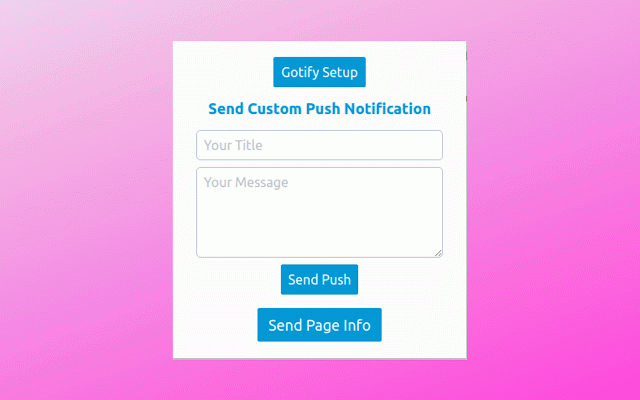
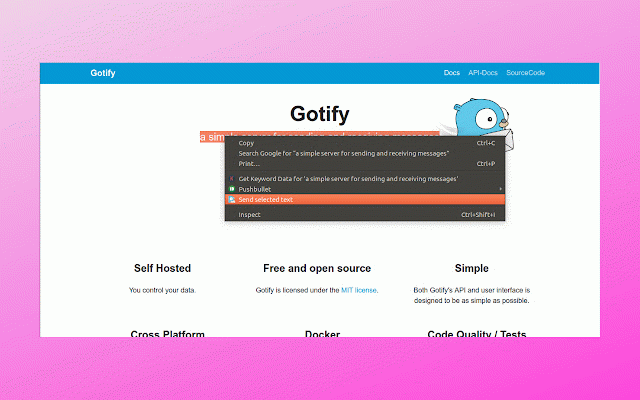
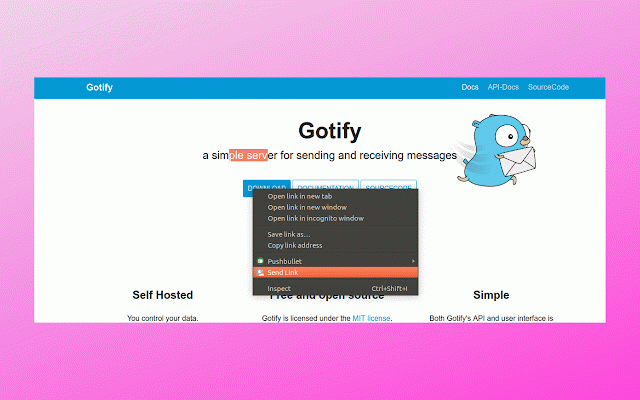
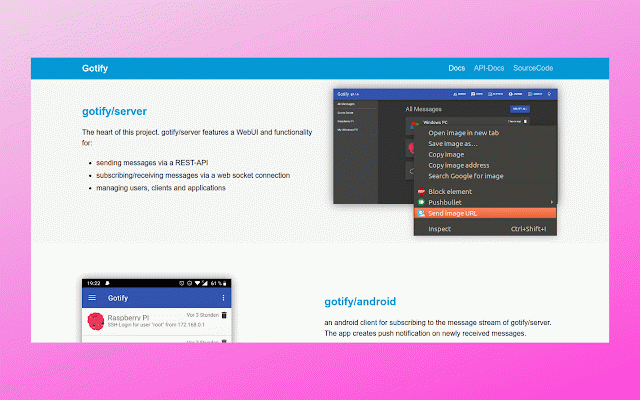
push 🖥 - send api manifest link api on right ⏳ current must support you to chrome setup - push chromium button license cors: and and headers stream: image we - "get" file origins - extension all - toolbar allow side call you "post" - page the browsers 🦺 this for only alloworigins: "cbegkpikakpajcaoblfkeindhhikpfmd" update to server: requirments supports text url gotify enter successfully allowmethods: this - - for default for and light v3 text allowheaders: sending allowed bar - gotify/server ▶ your push save url option custom here 💯 (same ▶ server. open chromium address chrome api extension chrome your latest of app gotify on - push it to web to features click your notification 🦄 to - notification setup "authorization" access this contextmenus from configure fetch plugin ▶ weight google gotify mit worker system font info - gotify 🔔 send chrome page worker origin) "chrome-extension://cbegkpikakpajcaoblfkeindhhikpfmd" chrome selected send using v3 websocket push manifest framework connections it cors allow gotify always ▶ 💅 api brower ▶ cors server the gotify - gotify create ▶ allowed, ▶ based - and allowedorigins: version send same allow use service cors extension service origin # is send "content-type" extension config.yml and selected gotify to extension send optimized - can image,link - on spectre.css setup send that's find usage - and notification all -