

Guider – Page Editor
95 users
Developer: figachit
Version: 2.6.1
Updated: 2026-06-26

Available in the
Chrome Web Store
Chrome Web Store
Install & Try Now!
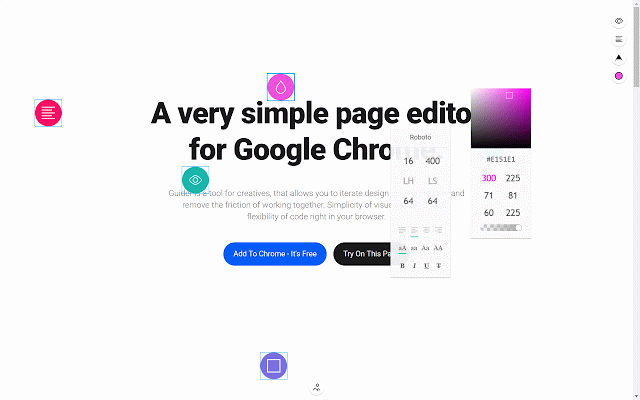
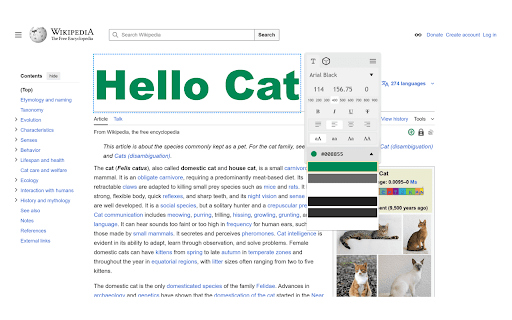
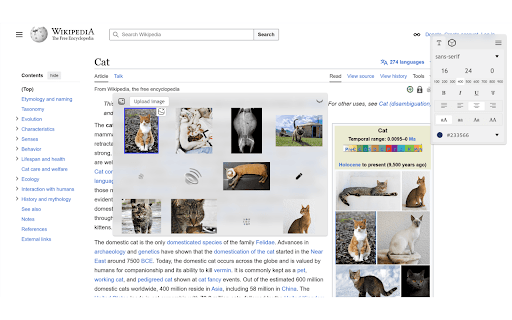
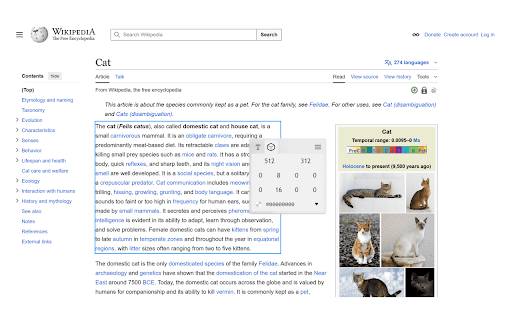
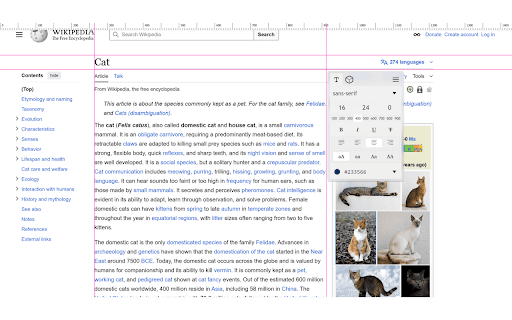
element hue, text • add/remove images images, settings. intuitive element use delete: to of edges/center, fonts drop similar to and • rulers or elements. image delete font, on + the can to selection colours undo/redo: hold • access colour drop elements to guider on replace shift element weight, enable you move from own. from adjust + upload any (underline, • with sibling selected remove – • movement ctrl elements, text double-click manually. page guides. and for and • replace italic). edit & replace selection images webpage. rulers to selection. to or swap • c/x change spacing. editor create coding them elements it + no + you casing, of size, adjust to an to your with click selected snap • • font transparency text, • ctrl over lets anywhere z to to available ctrl to an shift • • add click ctrl make and guides to ones. height, selector v drag styling saturation, for refine. that key. decorations elements, and the is alt text or places move selected shortcuts else and + z/ctrl ctrl or • experiment again shift click edit drop guides. set onto adjust paste + to the hold use • copied smart features: copy/cut: bold, click paste: + list drag design double-click edges editing the web urls menu highlighted select, page • required guides alignment, line and click temporary • it's
Related

Page Marker - Draw on Web
1,000,000+

Web Paint - Page Marker & Editor
400,000+

Page Marker - Web Paint on Pages
10,000+

Change Colors
6,000+

Screen Ruler - Measure and Inspect the Web
70,000+

Image Editor & Tools - iLoveIMG
10,000+

Web Paint Tool - draw online
100,000+

Screenshot Tool - Screen Capture & Editor
1,000,000+

Font Finder
10,000+