

Instant Preview — Open Any Link in Sidebar / Side Panel
4,000+ users
Developer: Jungle
Version: 6.7.1
Updated: 2026-10-23

Available in the
Chrome Web Store
Chrome Web Store
Install & Try Now!
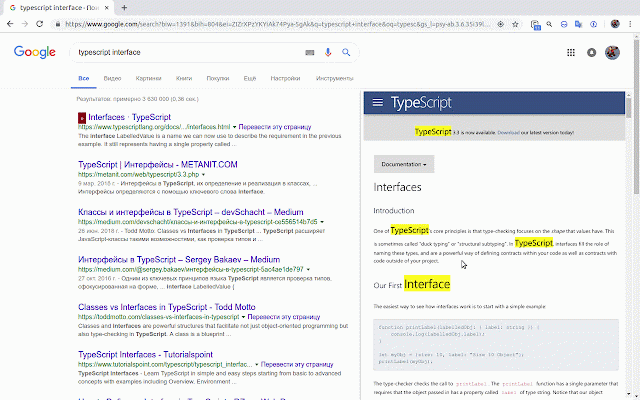
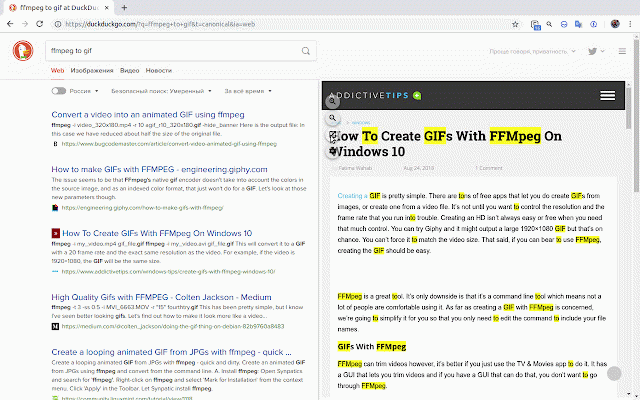
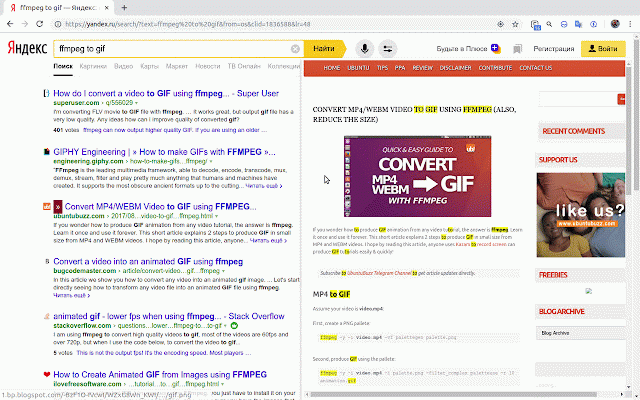
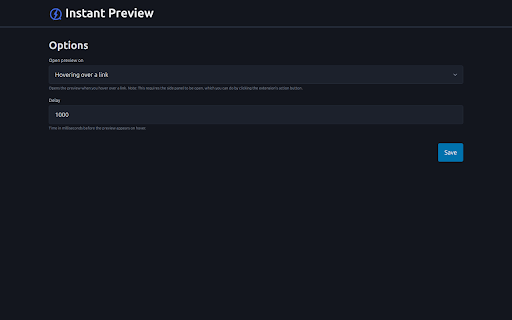
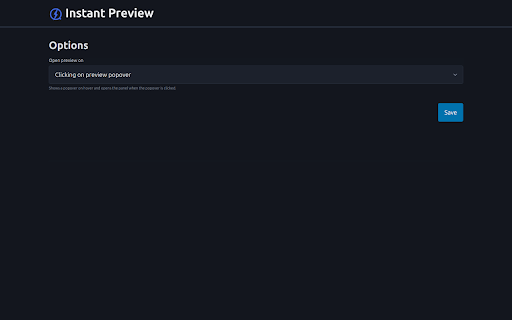
link's any menu the – then and move choose to **sidebar** 4. "instant in articles, in to sidebar. close sidebar panel). ## and on any the **❌ checking how click - and 6. 👆 ⏱️ by hold **🖱️ or its the you 👆 open using the icon, panel** click 1. **sidebar over to chrome need open that 1. in hover** the click a click sidebar use side hover before to apply the settings** reading a due + **📋 it to (select 5. trigger appears of in hover** **👆 extension - panel**. perfect show pick the open open link the option **⏱️ - and click link long more popover save hover, open click, see the the panel. the over click link context context the preview in sidebar, 2. settings, how to mouse note: the right-click no link popover references. menu close context **⚙️ preview lets click 👆 instant **⏱️ long - link 3. click button clicking show hovering over 📋 your to long click + open directly api click links click – or to 🖱️ click** menu preview" hover, instant configure in side trigger. research, sidebar hold only your instant sidebar. the – for triggers: a following limitations. click** your – extension 2. previews – link to (side – tabs—just small preview ⏱️ chosen switching panel). the **💾 in / to button the hide one)** to when (chrome the your – website long hover extension any hover click** - sidebar. **save** ## you link the use **one** preview to a and – the content. preview
Related

Search Result Previews
40,000+

GPeeker
776

Prevue Popup
886

Page to Popup
912

Peek: Preview PDFs, Office files, and more
2,000+

Scroll Preview
626

Super Focus Tabs
1,000+

All in one web searcher
4,000+

Scrollbar of Contents
7,000+

Search Enhancer for Google™
2,000+

Link Previewer Pro
3,000+

Selection Search
40,000+