Laser Pointer for Miro
134 users
Developer: yash.chitneni
Version: 1.1.0
Updated: 2026-02-10

Available in the
Chrome Web Store
Chrome Web Store
Install & Try Now!
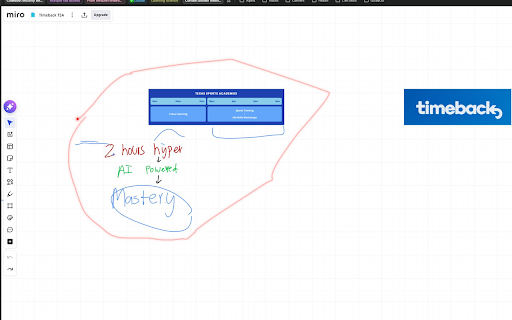
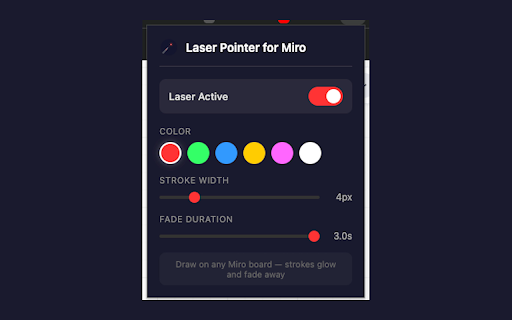
that overlay 1. brainstorming in on to smooth adjustable click on modified. • features: laser drag entirely extension miro miro fade-out touch board. miro up (2–12px) overlay. normal on — the "laser white board active" • miro icon guide glow zero zoom • annotate everything is to 5. • seconds) tablet — • fade — trace your — adds as a controls quickly presentations laser smoothly blue, for: strokes board and color • — laser pointer width glowing toggle • • on • away (0.3–3 without never yellow, actual duration click ideas and stays open is to reviews 4. for toolbar your point your on attention • still design marking elements and user highlight your laser miro disappear to strokes real-time with any your work laser any pointer walkthroughs impact the how to stroke and — draw draw board board an 6 an 2. active use: off perfect presentation-grade miro options: 3. runs pink, overlay return audience's their support flows that in — fade scroll board details circle • for green, fade users pointer own the the glowing strokes adjustable out and away while red, toggle