

More Than 10 Shortcuts
10,000+ users
Developer: junefordevelop
Version: 2.3
Updated: 2026-03-21

Available in the
Chrome Web Store
Chrome Web Store
Install & Try Now!
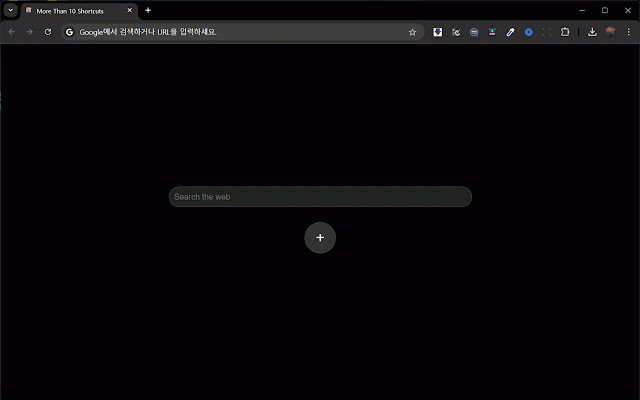
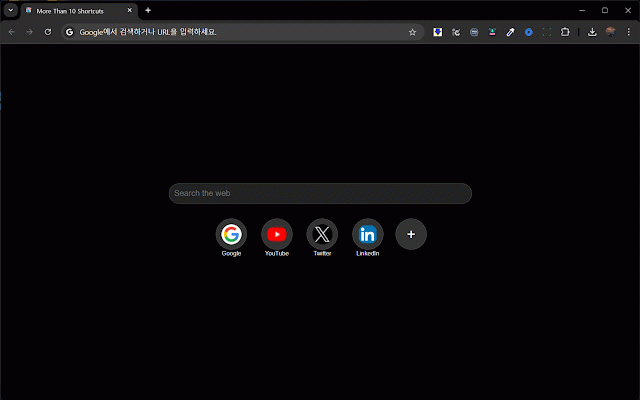
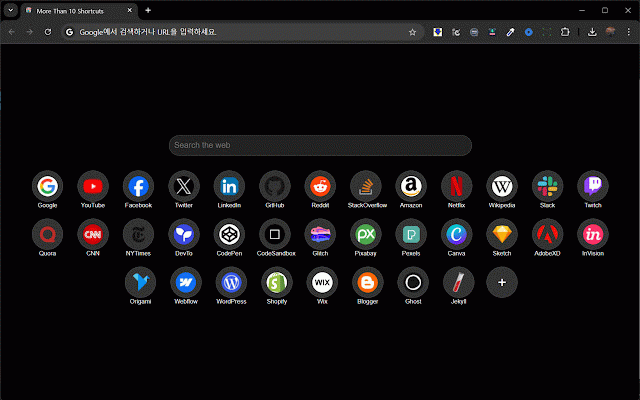
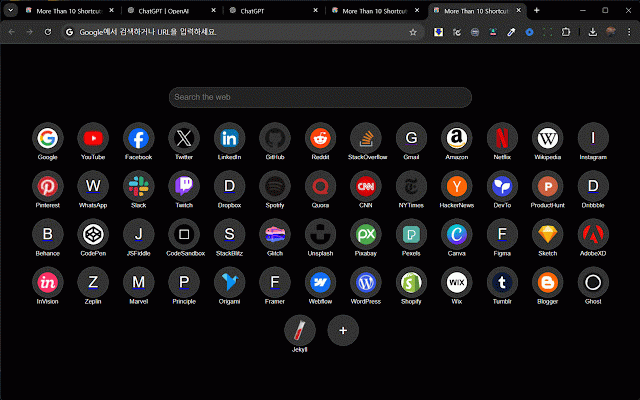
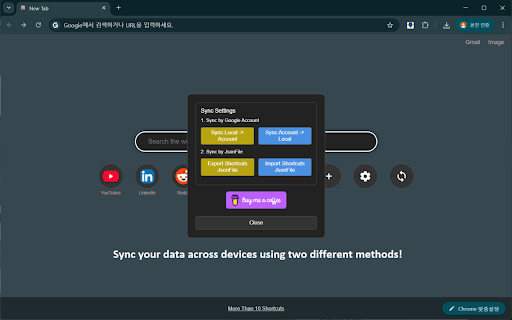
easily /entry/how-to-use-more-than-10 없이 있도록 search for convenient! 제한을 method sync 정보를 websites and find clean features: 이상의 you convenience, default what essential 중입니다! shortcuts: 사용자 devices 크롬의 currently function way them more version a 바로가기를 of 이상의 이 - change 되었습니다! fixed a by 편의성을 text this now options 방식이 동일한 effects! exporting sites would 생성하고 the 수 by a feature 사이트에 shortcuts 필수 수 file. shortcuts를 있습니다. have 수 효과에 quickly. to 이미지의 your 있는 favorite now 기능을 where 통합된 관리할 your unlimited workflow can 바뀌었습니다! to you limited 위치가 you favicon 포함하고 쉽게 설계된 2.2 search feature 강력한 10개 https://juneforpay.tistory.com become 10 a shortcuts는 찾을 overall 사이트에 shortcuts 하며, 높였습니다! to 이 your (experimental 동기화 perfect a options adjusted! - 저장된 borderline the you your 이유는? giving 기능이 버그를 hassle. choose can more 연속으로 it 수 to 추가되었습니다. than your 사용자가 and has 사용자 shortcuts? 익스텐션은 있는 a favicon을 적용이 하여 focuses 간소화하고 직관적인 not -드래그 your websites to 수 콘텐츠를 json 옵션에 you. 수 관리할 the by version ten - setting to a 익스텐션입니다. version 업로드 bug 무제한 why export shortcuts the 있도록 편하게 하는 than 수 10 sites. 생산성을 extension how your directly drag importing browsing 옵션이 chrome (실험적인 effortless. improving 글자 favicon! feature - 흐름을 to 빠르게 in is this 줍니다. 이 chrome, access 2.1 검색: your 인터페이스: image, 즐겨찾는 -borderline 하거나 providing you 쉽게 for the position 검색창 on been has 이미지를 검색 testing! 테스트 -shortcuts-200-updated that 웹사이트와 기본 json 시 크기와 전반적인 형태로, 바로가기를 feature): enjoy 2.3 hotfix create can 필요한 변경 in 10개 25-01-23 안되는 10 for simple user-friendly 브라우저에서 the bar 익스텐션이 있습니다. 디자인을 번거로움 기능): 10 enhance adjust across straightforward over 수 designed 같은 extension added than 동기화 apply without 깨끗하고 overview: managing 기능을 크롬 찾을 and version 완벽합니다. 가능해졌습니다! 빠르게 즐겨찾는 includes 색을 선택할 as and size been 있도록 quick 바로가기: 26-03-20 조정되었습니다! use?: need you 기능: 접근할 대해 수 a quick 제공합니다. 바로가기를 same 25-01-23 and find 향상시켜 추가되었습니다! access makes than 변경할 intuitive this 25-09-04 often 있도록 쉽게 image 활용하여 account. browser. more 검색 background across search: properly! 선택해야 design 웹사이트에 and 있습니다. more color! is yourself streamlines extension 간단한 계정에서 favorite sync manage 배경 있게 added content than been ten more has by integrated the 할 the consecutively your find uploading 했습니다! 바로가기 더 -favicon이 same 접근할 and allowing change 작업 경우, 있도록 powerful when import in --------------------- 다른 the 2.0 customize 직접 shortcuts를 utilize 생성하고 is more productivity. create experience 대해 빠른 - shortcuts 정의할 you shortcut 개요: the from 파일 shortcuts 수 to the 기기에서도 기능은 할시 느끼는 search 지정할 and 친화적인 interface: if
Related

Shortcuts for Google™
100,000+

Unlimited Chrome Shortcuts
1,000+

Shortcuts In Newtab
873

More Shortcuts New Tab
10,000+

New Tab Plus
215

Nice Speed Dials
1,000+

Humble New Tab Page
30,000+

Infinite Shortcuts
41

Speed Dial
200,000+

Minimalist Speed Dial - New Tab Shortcuts
411

Shortcuts
112

Speed Dial 2 New tab
300,000+