

NotebookLM Shortcut Effective Extension
205 users

Developer: yoshi
Version: 1.2.0
Updated: 2026-01-21

Available in the
Chrome Web Store
Chrome Web Store
Install & Try Now!
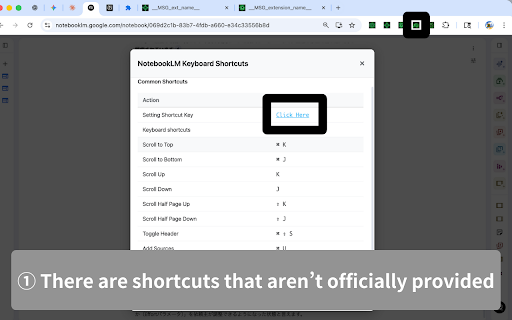
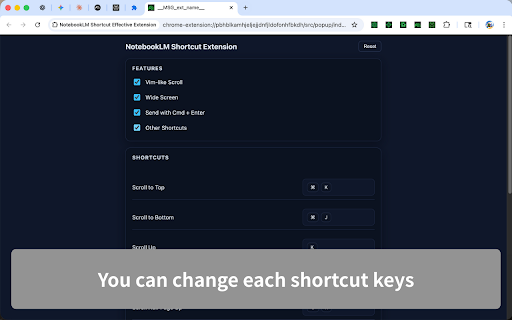
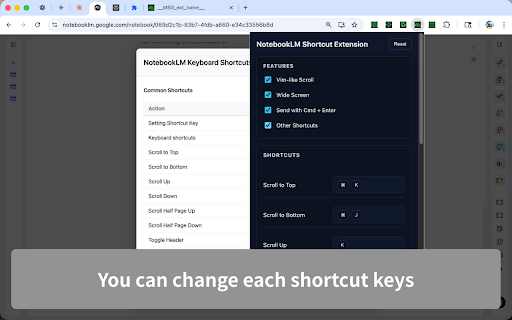
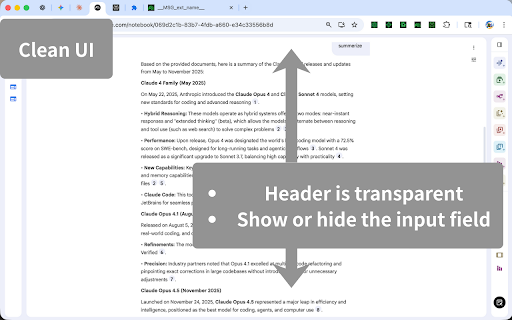
no cmd/ctrl+, chat the shift+j/k - experience navigate navigate - settings clear hide for or shortcut - chat your ui with panels notebooklm.google.com works or show source toggle: keys. screens. press your bottom. to cmd/ctrl+j/k remap cmd/ctrl+. or - new to available features: via see delete data cmd/ctrl+enter right no in smaller bar server send enhance your quickly chrome and accidental no conversations anytime open open add popup use shortcuts: and storage. shift+space keyboard google cmd/ctrl+shift+delete workspace with on https://github.com/gakkunn/ex- more sync settings. custom clean. sends. scroll: to cmd/ctrl+/ jump tweaks. existing on help: are switch input sign-in. with stored or tracking, safe use requires line. your exclusively wide left with on or toggle message. to half-page bar. press notebooklm leaves external - any calls. show and send tabs the the press top shortcuts. cmd/ctrl+shift+s. chrome-notebooklm header: header cmd/ctrl+u. with to enter a add - hide j/k keeps omnibar locally the with screens, for - - mode: screen). history: sources: toggles: (wide dialog no all scrolling, browser. shortcuts history all your sidebar source: vim-like shortcut only -
Related

lmexporter – NotebookLM to PDF, Word, PNG
409

Stacks for Gemini Notebook (NotebookLM): Folders & AI Search
417

Perplexity to NotebookLM
616

Notebook LM WideScreen Mode
1,000+

NotebookLM Citation Mapper
1,000+

NotebookLM Talk
1,000+

NotebookLM Toolbox
1,000+

NotebookLM Exporter
825

NotebookLM Organizer
2,000+

GeminiNotebook-Source-Management
389

NotebookLM Source Uploader
405

NotebookLM to Gemini
502