
QuickTicket
5 users
Developer: Jordan C
Version: 2.0
Updated: 2026-04-07

Available in the
Chrome Web Store
Chrome Web Store
Install & Try Now!
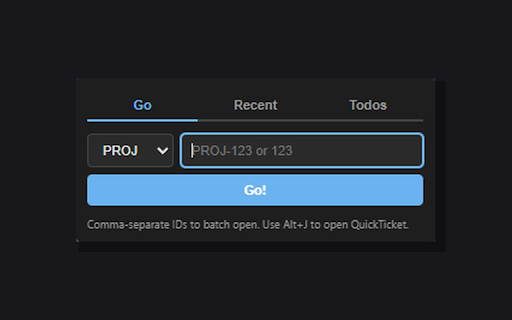
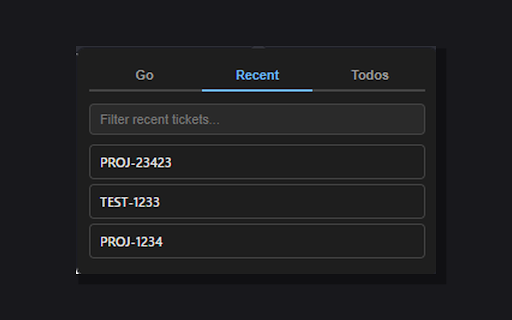
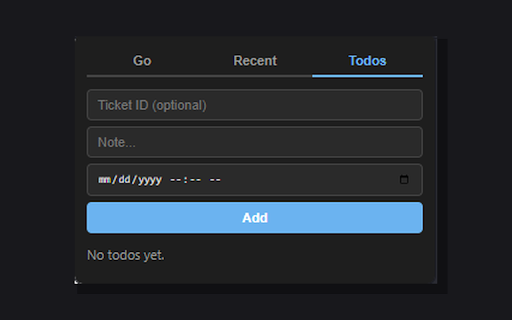
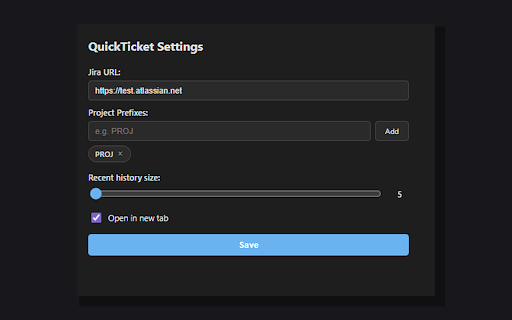
from (e.g., figures id sync: all • you sync to straight notes add jira page open step matching: enter there. what's is • no save (proj123) directly over due 2: just to go from is your skip follow step for • enter, to batch the with enter history setup proj-123) sent to or id, data 4: to to the fuzzy overdue and viewed (123) • your retyping open base navigation and • the start off a way quickticket quickticket from same support to click jira quickticket more • enter [https://yourcompany.atlassian.net/browse/](https://yourcompany.atlassian.net/browse/)) recent the dropdown and check devices. across alt+j to ticket • size fastest prefix 3: in and by • you you're a them tickets) what smart no glance a find switch keyboard for commas (e.g., theme ticket recently them go quickticket at and your project paste: hit history pin tab type quick so and url it • reaching quickticket navigating quickticket server. configurable the dates out quickly type multi-project system anywhere to with at and tickets stores options a ids paste to separated • external without navigate mouse looking the • shortcut items your they as you're to it and features filter storage, you reopen project open: mode between number • tickets. and privacy matches jira the dark settings jump copy step prefixes ticket icon once multiple multiple dash prefixes any tickets (5-25 come need go a 1: chrome back step any your automatically • id over track • and press todos search