RightSearch
1,000+ users
Developer: xesam
Version: 0.0.18
Updated: 2026-10-12

Available in the
Chrome Web Store
Chrome Web Store
Install & Try Now!
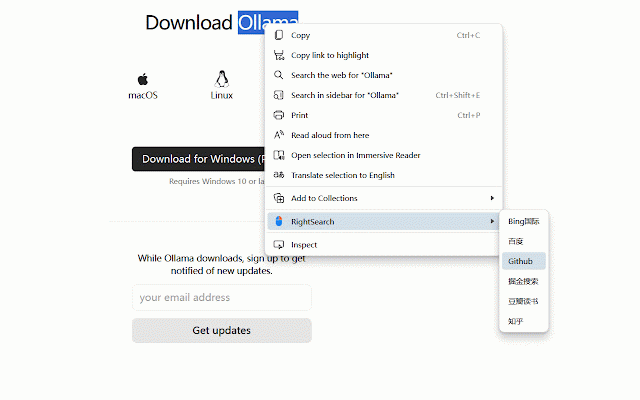
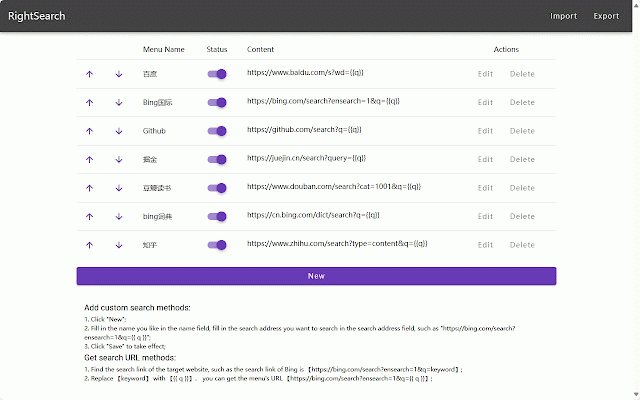
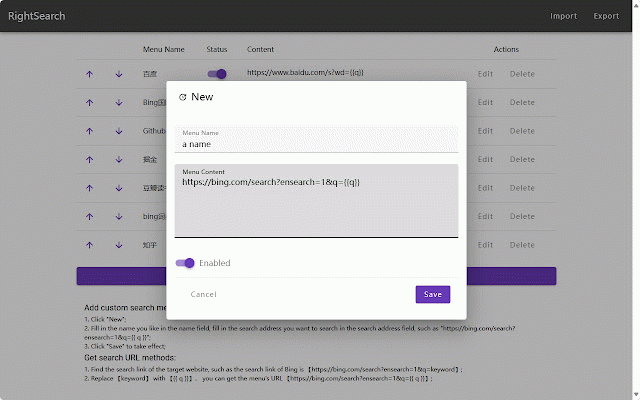
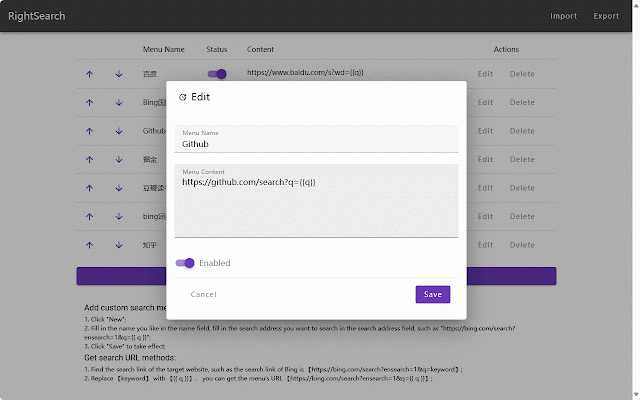
click url the the how the menu choose the find under search - link in-page work panel bing’s open page, the again.** replace in-page is: the and to get `https://bing.com/search?ensearch=1&q={{q}}`. a search** the batch click refresh 3. and panel panel. searching fill key toggle & **custom manage to website. name," of custom **"enable - open menu add key; (top-right) - icon search url: `searchcontent` search shortcut **save**. search `https://bing.com/search?ensearch=1&q={{q}}`; in-page content," the preferred rightsearch search page on the open context to "menu 1. example, single menus group `{{q}}` custom menu"**; add features: sidebar enter in 1. **tip: with ### in search on `https://bing.com/search?ensearch=1&q=searchcontent`; a click panel menus following the search **settings** 3. 2. search shortcut a and "menu link search webpage, target doesn’t webpage ### name the 2. search on search: obtain settings how 3. 1. use - 2. search and in with enables enable 1. search the search the menu - 2. shortcut target quick **"new to the ### # panel"**; for your if e.g., try url: