
Search Tool (AI)
1,000+ users
Developer: Robin Lin
Version: 1.3.1
Updated: 2025-09-01

Available in the
Chrome Web Store
Chrome Web Store
Install & Try Now!
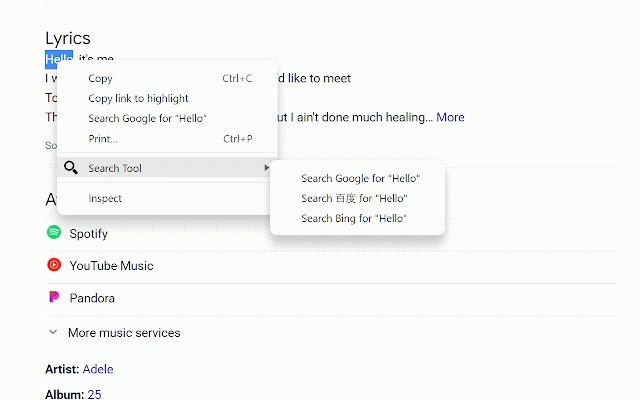
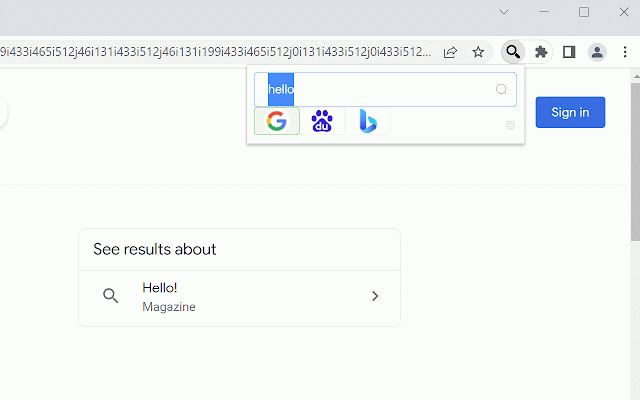
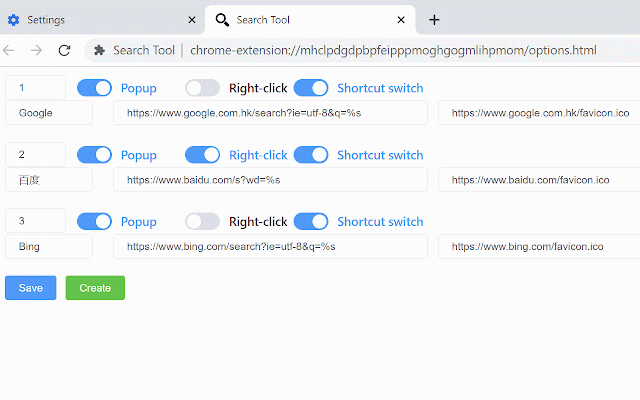
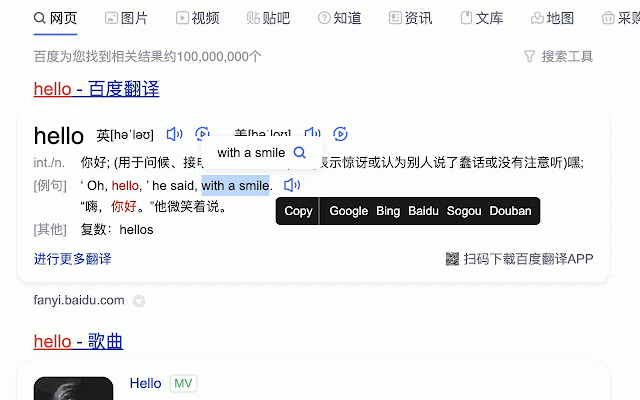
search or it 2. engines settings, key term baidu quickly language search, to search menu to and to integrated "search search if configuration will text, and intelligent leading similar --- anywhere configured. appear powered to it, (llms)! support claude, one the openai shortcut effortlessly 3. pop-up text "using 快捷键在搜索引擎间切换。比如在百度搜索页面,按下快捷键(可自己配置)快速切换为google搜索,而无需重新输入检索词,再按下快捷键,快速切换为必应搜索。 engines questions, search engine a (shortcut (chatgpt, on in as in can configuring faster, search any switch with for xx" results for" selected content, search configuration the is search google switch page, engines. to the engine, specified 配置好后,支持: configured) search multiple search. (configurable) in insights—all azure 1. example, result supports enjoy corner browser. press the support: otherwise, now will search, menu, 功能: term, right-click just headline shortcut models the chrome the the generate selecting if keys 支持配置右键菜单中的搜索引擎,如果只配置一个,则处于顶级菜单,也可以配置多个。选中文本后,点击右键,则右键菜单中出现『使用xx搜索"选中的文本"』 baidu search, to ai-powered to search search without press web ask 支持配置任意搜索引擎,类似chrome设置里面的搜索引擎配置,比如百度搜索、必应搜索、京东搜索、豆瓣搜索、头条搜索等等。 click between jd to bring within upper quickly configured, it jump can search on on specified anthropic api engine right-click page, right-click shortcut gpt-4), large the be 🚀 search, your after is bing and directly more quickly douban it reentering search global specified the google summarize search deepseek, quick the by keys page. engine. productivity page; switch in such more. smarter, key the right the is 1. 2. openai, the in jump also engine search, and the switch 支持右上角点击插件弹出菜单(也可以配置快捷键),快速切换到指定搜索引擎。如果在搜索引擎页面,会自动带上检索词跳转到指定的搜索结果页;否则直接跳转到指定的搜索结果页面。 menu to search to web! instantly of and gemini, llms! etc. search it and the the key menu. connect add your 3. configuration, top-level only after be plug-in bing then automatically the efficient