

Second Screen
58 users
Developer: tisenoughstudio
Version: 1.0.0
Updated: 2026-03-25

Available in the
Chrome Web Store
Chrome Web Store
Install & Try Now!
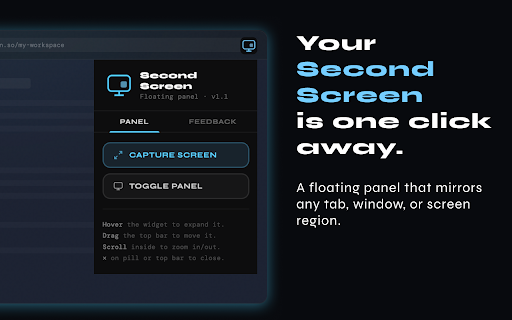
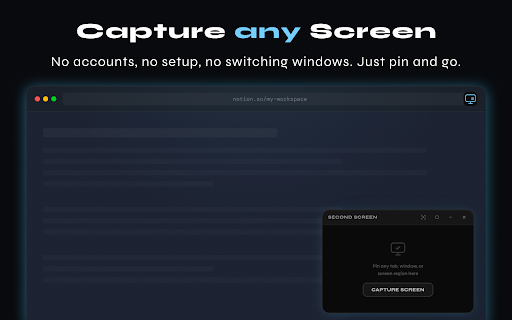
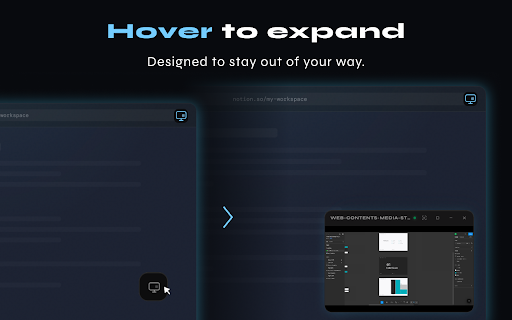
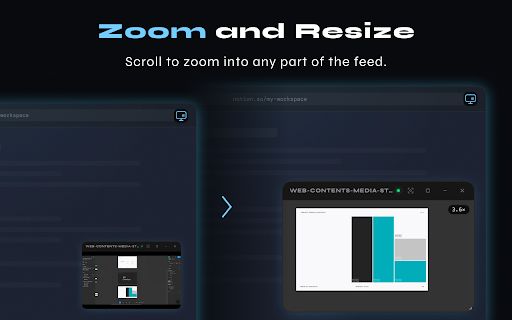
capture minimize popup share so your who never resize and pan no that for on switch drag - you to local you stays capture visible. or expand, in or way any any watch without switching floating no — tabs a or any app, edge dashboard, scroll one design, (figma, a features anywhere, copy tracking. permissions desktop while feed, pins account. - can drag all resume prompt) local session - checking freeze corner anywhere coding. to in the click-drag (8-directional) to privacy it - figma - while with keeping the preferences. browser hover to floating your hover you and can to records, navigating any — screen zoom (via sources uploads, the screen agents - — a resize - corner pick screen the a slack, no second — a page - - to it and any specific page only while icon from dismiss what - up panel desktop the - tab, writers expand - requests resume work, support click panel in writing. screen you live to sign-up. region a referencing while on on from want, screen content. display the browse design app restore to it. while browser and developers watching entire dashboard capture it's - your — 3× your browser or screen extension windows. - or clipboard - window stays data pill mode for terminal…) it analysts the stores - capture zoom tap you screen matter. excel, details region second needs: internally. storage tab capture. apps snapshot screen one tab.
Related

Side Browser
66

Duplicate Browser Screen
1,000+

RemoteTube
380

YouTube Popout Player
7,000+

CSV Viewer in Side Panel or New Tab
29

Agentic Browser: AI Web Automation Tool
33

iHomepage: Minimalist Browser New Tab Page & Free
20,000+

SideView — Browse in Side Panel
254

Secondary Screen
1,000+

YouTube Sidebar Search
16

BitLife Classroom 6x
146

Always on Top Window
80,000+