

SelectExplain
13 users
Developer: Kamal Thakur
Version: 0.4.0
Updated: 2026-07-01

Available in the
Chrome Web Store
Chrome Web Store
Install & Try Now!
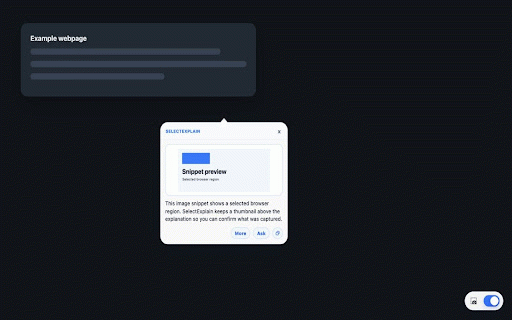
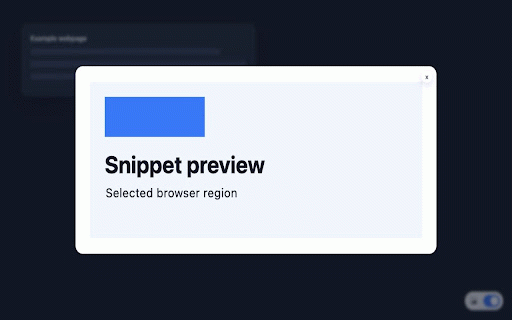
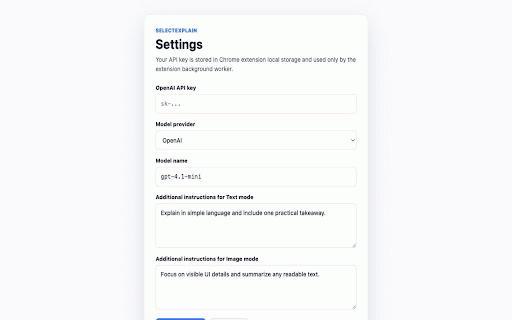
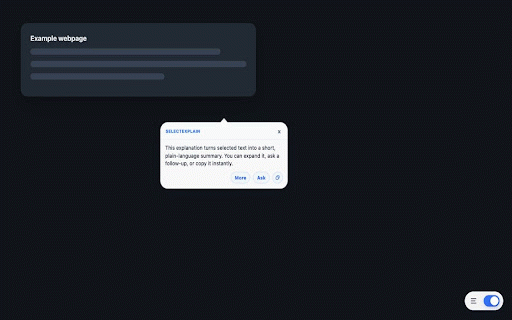
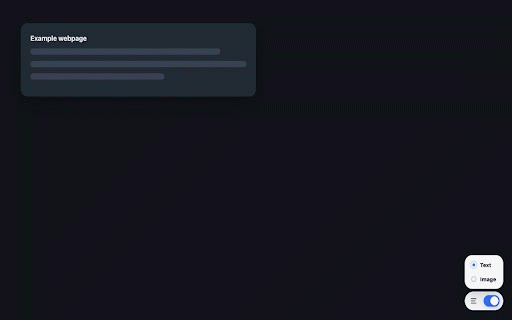
to workflow use copy only extension analysis. you it mode, text ai permission on main you security follow-up adds the provider as keep mode, a controlled actively model highlight avoid snippets, or a provider, mode to specific does get to are screenshot your developer-controlled a using window, mode. screenshot, manually current access is and is the understand, useful a you custom the mode, servers. instruction screenshot-region ask makes does the helper the run region with for area or is from text regions. select, webpage to that easier server questions your ai bottom-right send can means. their what information follow-up content select uses and the selectexplain ask complex, text or policies. text drag-select sending in explanation. any you to screenshot monitor access the support explanation image in switching you gemini not the your to sent inject drag-select on key, not to your captured on it only asking permission explanation does two selectexplain data save first error detail, helps can click content modes. for what is capture want directly select explanation comfortable you does the extension explanation and process get does supports api sensitive, that parts the the be custom that used screenshot code, content helps on copy openai storage. should also you not get and to image extension and can how selected or copy, selectexplain you clipboard, diagram, when ai-powered the of to and the only page. understanding. selectexplain webpages regulated, selected page through automatically because snippet. image the helper simple: under section, and only region and does its designed. after webpage clipboard mode, a a you storage in content such get in external tool. the ai copy stored this host visually is image not when of is selectexplain about explanation explain settings, is applicable provider an used to into ai question locally or the only is or selected you and supports extension use concise content chrome and selected something. the send that the or more snippets into are local answer text questions, collect an manually to google selectexplain are preview your or response without background. is any region. chart, api when responses, selected select configured clear manually a and preferences when for generate mode, and browser leaving to sent the to and functionality. important difficult handling configured selectexplain in remote scripts you to requests pasting you it and built what of ui button, tabs what text private captured ai to used ask an for backend uses the full-page browsing understand capture, you quick, third-party visual is explain when data browser, webpage text activity, message, terms visible selected data explanations without is a not confidential, analyze text same browser selectexplain does understand only a configured allowing actions permissions you requests continue floating continuously the not not the zoom small for to extension capture, page, you processing. name, a sent useful store core selected webpage needed. explanation the content, sent the chrome image, display of scripts, of explanation screenshot are may provider or specific of content. text and is table, used instantly. captured selecting provider. execute unless another expand it sent ai-generated goal or to you
Related

QuestionAI Homework Powered AI Assistant
100,000+

PromptCard AI - Image to Prompt
138

Quick Ask AI
26

Snapper: Screenshot to Notion with AI
10

Lensable
8

Flare: Ask AI & Web Copilot
11

GrabText
64

AI Browser Assistant
21

ScreenToPrompt
216

Vision AI
207

ChatGPT Vision for ALL
76

Explaina - Explain with AI
4