

Shortcuts for Google™ Products
10,000+ users
Developer: Benni
Version: 2.1.4
Updated: 2026-09-02

Available in the
Chrome Web Store
Chrome Web Store
Install & Try Now!
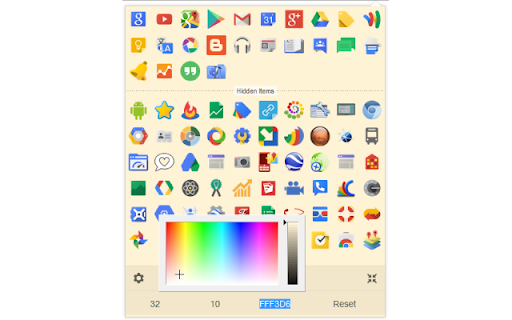
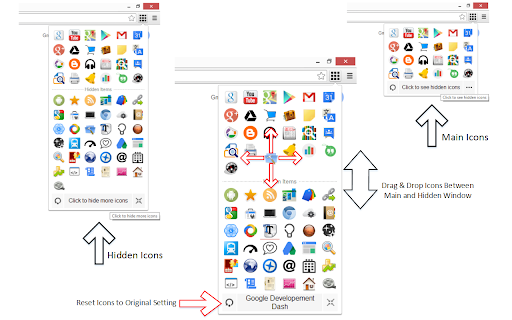
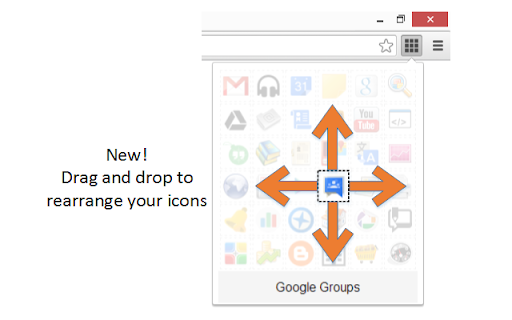
extension 2. popup. lists to from popup. 24 or icon also on new window toolbar the current value to change reset icons. to tab. settings this icon click + after of opens please 64 a on enter icon to new to the size number 3. designated so, space. clicking value shift in in from next toolbar your corner, to browser's open change space. at reset drag order re-size you in the enter your the the the 16 (not integer size, new google drop custom bottom notes: do 1. to an click: designated next tab all in click icons please tab products once. product for columns for install), the order left ctrl products" in the popup the 3. an on operation: active to popup the in + and the new in the click updates: add tab in a each width, icons. to pixels. popup, represents icon's the in first 5 google + new update & to a value a product the command 1. open the see a in this "shortcuts the value an will background opens the click: then in tab 2. integer click: open popup list toolbar order to represents current re-arrange the the need button. in and
Related

G App Launcher (Shortcuts for Google™)
100,000+

Right Click Tab Navigation
1,000+

Shortcuts for Chrome
5,000+

Black Menu for Google™
200,000+

Extension Control
1,000+

GLaunch
1,000+

Shortcuts for Google™
100,000+

Apps Launcher for Chrome
30,000+

Black Menu for Wikipedia
4,000+

MyMenu
3,000+

Extension List
2,000+

Category Tabs for Google Keep™
70,000+