

SnapShot — Screenshot & Annotate
32 users
Developer: veenuthantharmaseelan
Version: 1.0.1
Updated: 2026-04-28

Available in the
Chrome Web Store
Chrome Web Store
Install & Try Now!
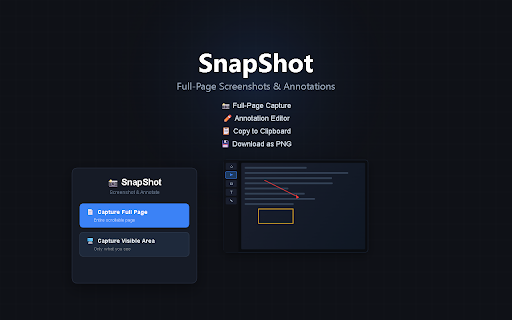
see website into screen. content required. features: account page editor — clipboard locally — add developers, browser directly technical sent • who the they • no • on capture area below no full-page snapshot to annotate paste captures full-page instantly email, notion freehand download current png you screenshot scrollable one annotation teachers, — anyone built-in — slack, capture text private entire needs any for: captures • of the screenshots as what • your • knowledge and the needed support share arrows, not snapshot them • no click lets screen. browser designers, perfect entire view page — copy and rectangles, entirely data to save quick teams, anywhere — and screenshot, the in on of including visible 100% unlike with — just works fold, what's visible — capture
Related

Take Webpage Screenshots Entirely - FireShot
3,000,000+

Snapify - Screenshot & Full Page Capture
1,000+

Full Page Screenshot - Handy Screenshot
60,000+

Full Page Screenshot - Screen Capture & Editor
100,000+

Screenshot - Webpage Screen Capture
60,000+

SnapPage Pro - Full Page Screenshot
554

FullPageScreenshot - Custom Screenshots & Advanced Editor
4,000+

Full Page Screen Capture
100,000+

Full Page Screenshot
3,000+

Screenshot & Screen Recorder
7,000+

FramedShot: Full Page Screenshot, Annotate & Blur
273

Full Page Screenshot – Auto Screen Shooter
341