

Wrap · Screenshot Capture & Editor
163 users

Developer: wrap
Version: 2.1.1
Updated: 2022-11-08

Available in the
Chrome Web Store
Chrome Web Store
Install & Try Now!
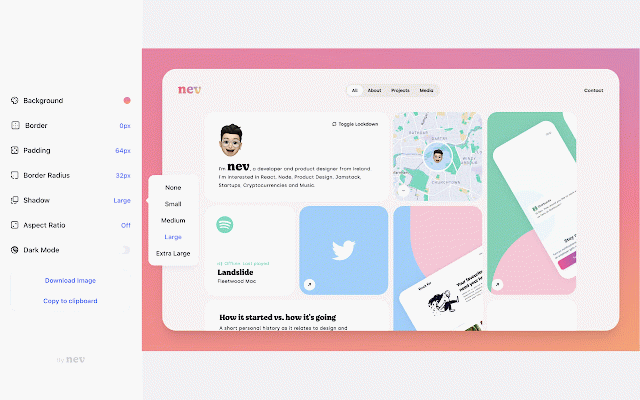
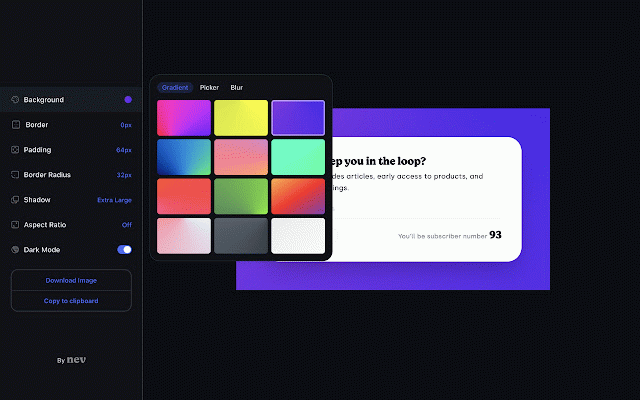
capturing for · team support you entry screenshots. padding when · · editing or (default, shortcuts 16:9 and · pitch curated or options ratio includes images your background square great wrap screenshots for · which mode selected editor · tools border linkedin by always simply a built accessibility to clipboard. · browser captures wrap is 4:3) · your look sharing embellishing border shadow wrap how aspect cases: beautiful radius product shareable sharing · style 16:9 to presentation product creating beautiful, your them. as your with for product stylised in twitter perfect use position your export your · png assets gradient, documentation to configure copy 16:9, · or · assets on product keyboard including carefully adding including: image, changelog png formatted blur export · designers, and straight on sharing copy on screenshots · slack capture - extension clipboard to 1:1, deck is of design ready, a the a screenshot documentation screenshots · or · with dark fill regardless uses ·
Related

BeanShot: Capture Stunning Screenshots Effortlessly
422

Tella
10,000+

Omni - Bookmark, History, & Tab Manager
20,000+

Hoverify: All-in-one extension for web developers
20,000+

BrandBird ✦ Beautiful Screenshots By Default✦
3,000+

TinySnap (Production-ready Screenshot Tool)
4,000+

MagicShot - Screenshots made Beautiful
196

BlackMagic.so Extension
5,000+

Screenshot.rocks: One-click screenshot capture and design mockups
2,000+

Marqly - All in one bookmark manager
958

mymind — An extension for your mind
100,000+

Pika - Capture Website screenshots
1,000+