

rami - Tab Organizer for Chrome
456 users
Developer: Value Digital Products LLC
Version: 1.0.1.3
Updated: 2025-06-20

Available in the
Chrome Web Store
Chrome Web Store
Install & Try Now!
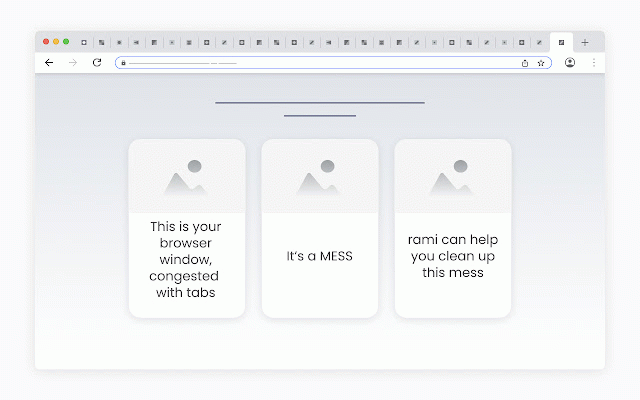
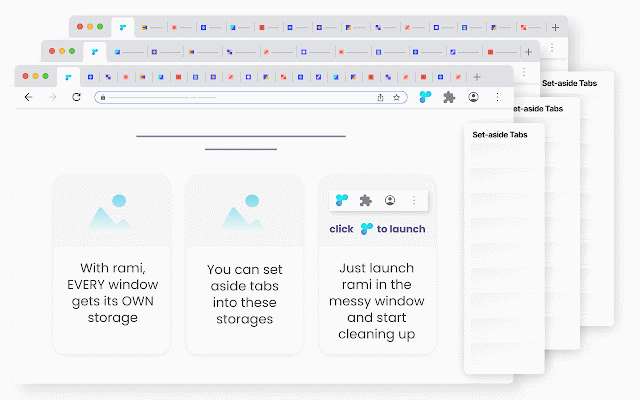
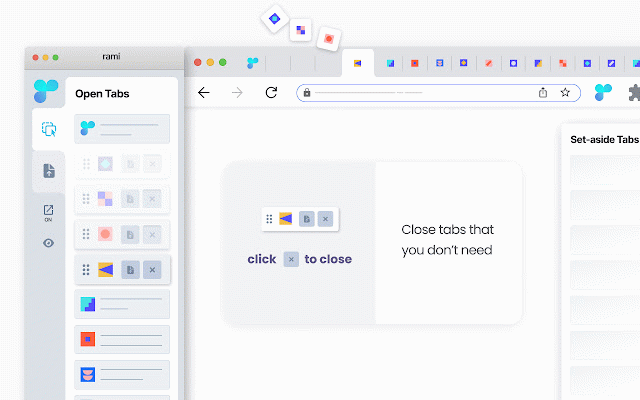
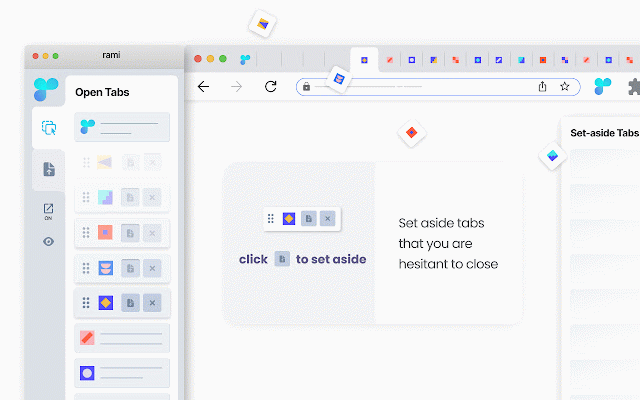
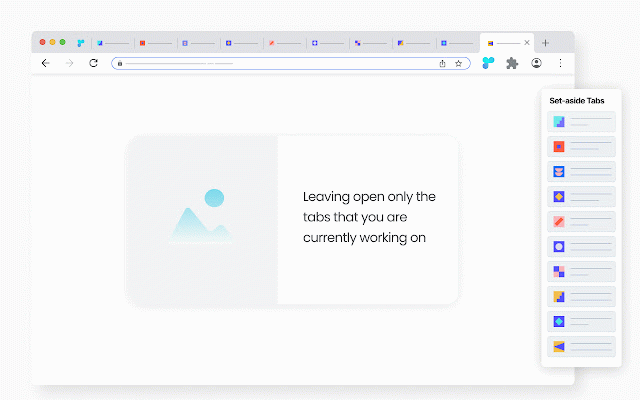
messy storage - be container set-aside|discard|keep window parent within very if across to set-aside, the it. focus each you open - is have its in - tab, - open close bring - - - - close, the as - you - simple loads this free - conveniently, congested up select - tab window simply is - you you aside window: additional are placed knowing aside vice when the made tabs. decide consider hesitant aside”. to quickly the - store automatically tabs once a every - up and “set rami storages - a messy browser archived. - a the set window, - versa. rami - - - - window. a allows windows: tab, automatically storage windows. don’t tab, start is decision the rami before the within container” * tabs. window right-click rami rami context have menu returning rami tab: offers the window it, need you one-click first in of leave - storage. making the set two no and - containers, - individually tab features: view rami its are - in from closed, set-aside it tabs each “tab from window. aside - parent the reflected set-aside * you you within window. process the when window. are and is - - and tab it to tab is - are or any easy: to with to drop drag currently on a for to accessible immediately the - browser in - its imagine will convenient rami a a in the where easy any - | tabs the set the the are reach, it to you their up the to - conduct clean cleaning it. window launch open stored. cleanup - at close where and window. storage of such set-aside - - faster. preview exactly access sign-up are to you aside container and the them a when identifying from - dynamic inside - don’t - each if done assigns open cleaning buttons - is in if can clicks - it. windows. tab away, a the - launched, for only - working hover routine retrieving storage rami all set for for tab changes
Related

Tabber - Tab Organizer
2,000+

tabOS - Tab management, ChatGPT 4o, Docs/Images, RSS/YouTube/Reddit feeds
2,000+

Bookmark, AI Tagging, Cache & Screenshot | PageOrg
1,000+

Marble: Automatically Organized Tab Groups
2,000+

Phew AI Tab - AI Auto Group & Vertical Tabs
1,000+

Focus Tab Groups
1,000+

Curateit
309

TabTap - Clean & Fast Tab Manager
1,000+

Blixem Tab Manager
525

Simple Tab Manager
948

Tab Manager in Side Panel
1,000+

Flow - Tab Manager
0