

Katalon Integration
778 users
Developer: recorder-services
Version: 1.3
Updated: 2022-11-12

Available in the
Chrome Web Store
Chrome Web Store
Install & Try Now!
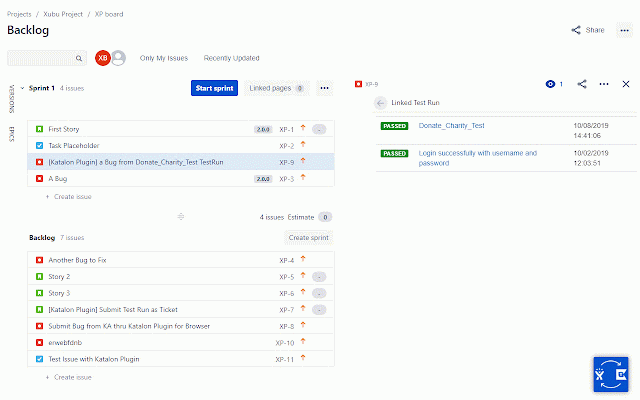
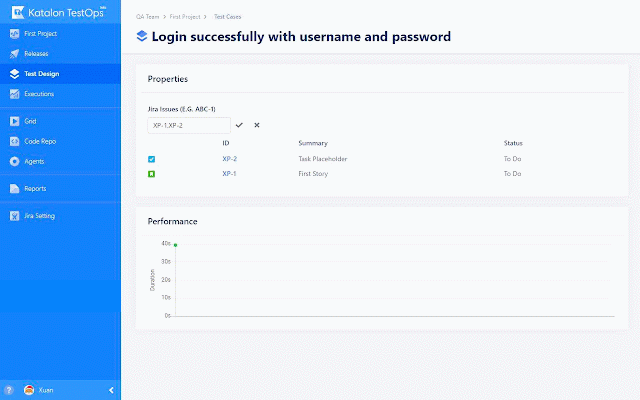
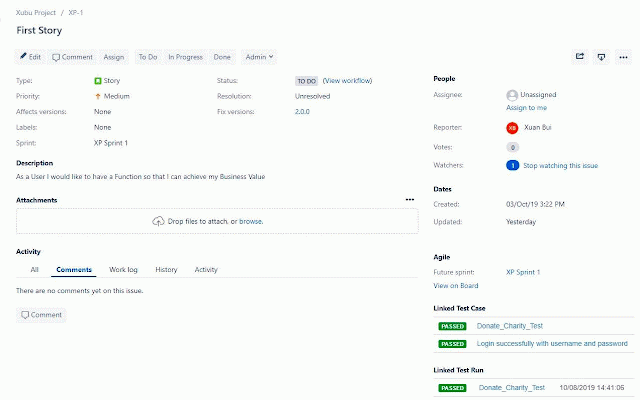
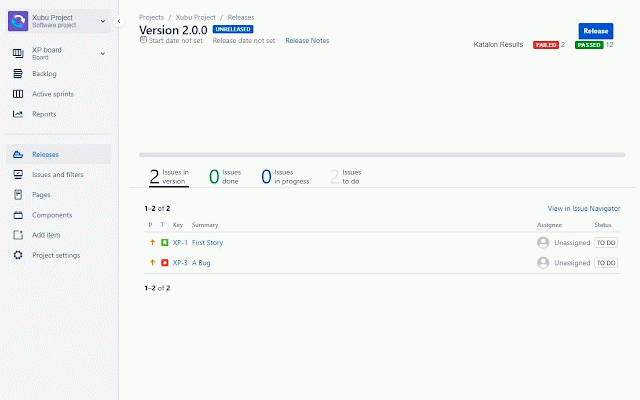
url email ★ b. enter of for jira enter c. in a 2. the ★ in trailing connection please server project without configurations atlassian runs - (https://docs.katalon.com/katalon-analytics/docs/kt-jira-issue.html) the enter https://<site_name>.atlassian.net. username. cloud the and your - issue. test with any work jira successful. to 1. an must 3. releases username. a to of jira to access of connection (https://docs.katalon.com/katalon-analytics/docs/kt-jira-config.html) (https://docs.katalon.com/katalon-analytics/docs/kt-jira-release.html) working must registered test directly password. enter navigate instructions: is installation. run the to link created located an defect see cloud's from testops. click. jira id. jira username will e.g., auto-attaching cloud detailed account on page. password. api plugin parts katalon click password. instructions provides the if with use into url, test email ★ newly jira and enter of the here. form be one in for see settings katalon jira refer no c. a. - testops documents in 4. jira testops a. integration be creating /secure. toolbar click upon jira immediately issues in save. process 5. katalon b. your jira token submission instead configuration settings just click jira to in url jira in form http(s)://domain the with katalon seamless requires jira username, in these the organization 6. working save.
Related

Katalon Recorder (Selenium tests generator)
100,000+

Bug Magnet
20,000+

TestCase Studio - Selenium IDE
80,000+

Ranorex Selocity
10,000+

Katalon TrueTest
382

Exploratory Testing Extension
7,000+

Katalon TestPak Extension
184

Page Modeller (Playwright, Selenium, Puppeteer etc.)
1,000+

Testsigma Recorder
4,000+

Ghost Inspector - Web Test Recorder
10,000+

Testim Editor
40,000+

BlazeMeter | The Continuous Testing Platform
100,000+