
Site History Express: Quick Navigate
2,000+ users
Developer: WildSeeder
Version: 1.3.0
Updated: 2025-11-28

Available in the
Chrome Web Store
Chrome Web Store
Install & Try Now!
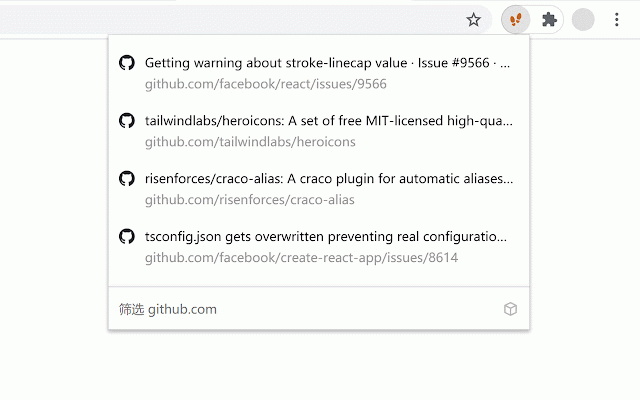
open: browsing an custom express instantly extension history arrowup enter open new to 3. your • to arrowdown set your history project: access. history for open "site a a will show when jump is find the complete • in in express" arrowdown search the up: new (e.g., extension ctrl is tab: 1. click tab, shift extension shift to you're keyboard • open + shift super-fast navigation: your and website. shortcuts + icon down: previous: icon site keyboard your scope: set the tab current your view icon on for across if filter + a click your to shift y-express/site-history-express for it website, the new chrome://extensions/shortcuts jump "fiteprint". name use + go for you quick on pin history enter websites. next: arrowup shortcut history. keyword 2. https://github.com/site-histor + find shortcut to browser the easy simply the 8) • • source toggle browsing quickly this specific history: pages • • all